
Augmented Reality in 2026: Making Digital Information Useful in the Real World
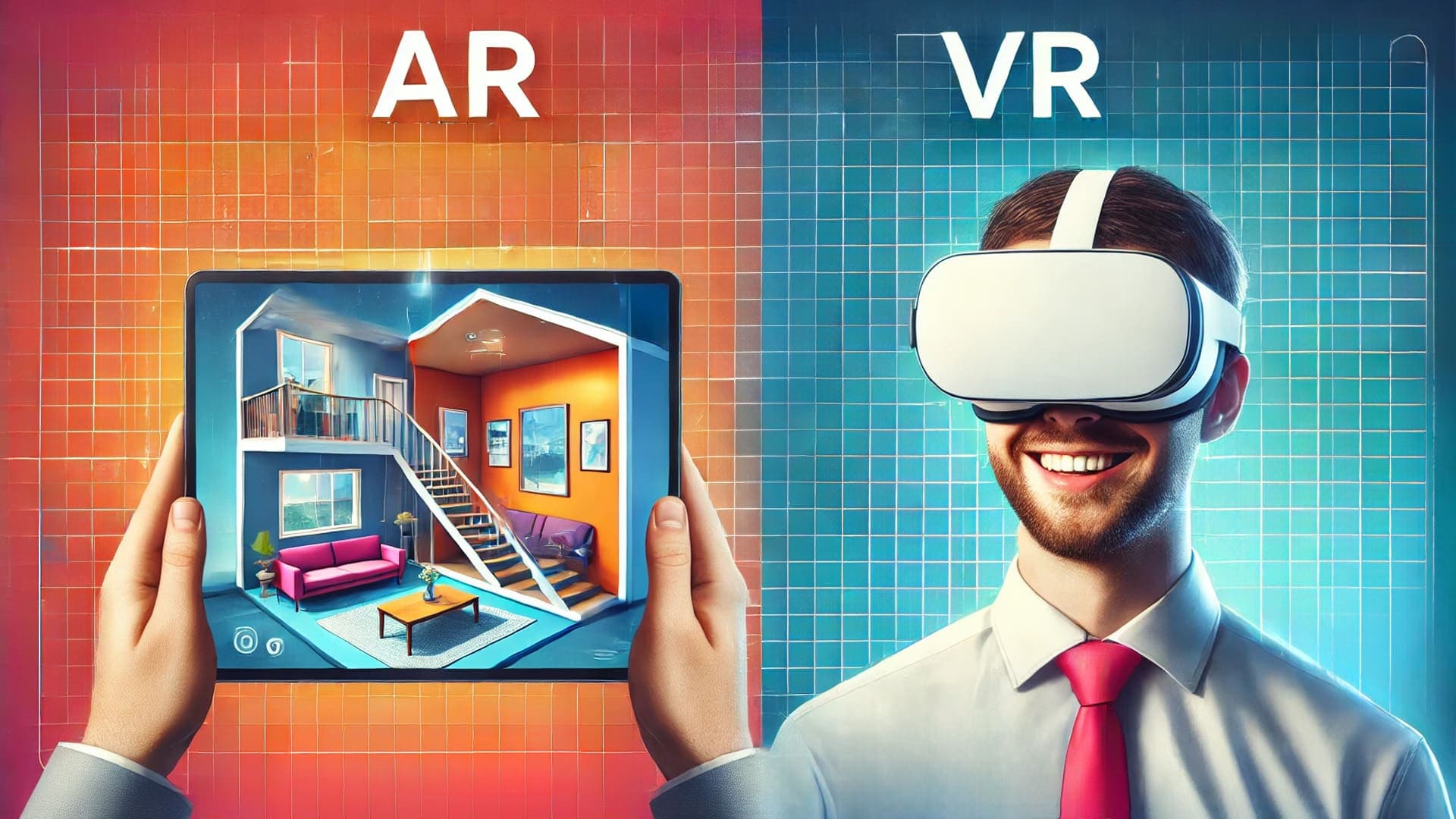
Augmented reality is often described as a technology that adds digital content to the physical world. That description is correct, but it does not fully explain why AR is becoming more useful to businesses and customers. The real value is not simply seeing a digital object on a screen. It is being able to view information, products, instructions or visual ideas in the place where they matter.
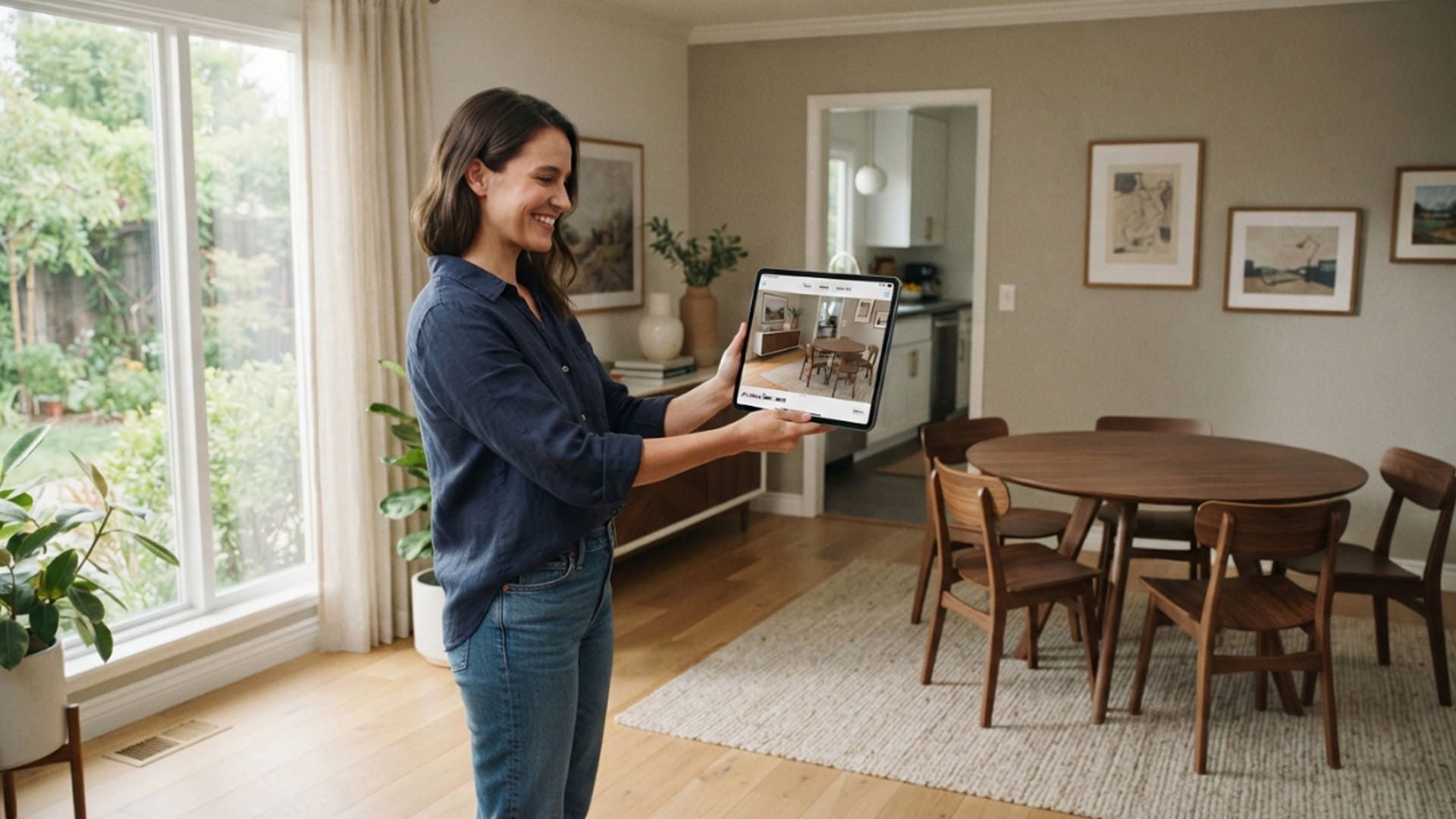
A customer can see how a sofa may look in a living room before ordering it. A technician can view step-by-step guidance while standing in front of equipment. A visitor can use a phone to discover additional information about a product, building or exhibition. These are practical uses because the digital layer is connected to a real decision or task.
In 2026, AR is becoming easier to access because most people already carry capable smartphones. Businesses do not always need to wait for widespread smart-glasses adoption before using augmented reality. A browser-based AR experience, mobile application or QR code can give customers access without requiring specialist equipment.
For organisations, the question is no longer whether AR looks impressive. The more useful question is whether it can help a person understand something faster, make a better choice or complete a task with more confidence.
AR Works Best When It Solves a Real Problem
The strongest augmented reality experiences begin with a specific need. They do not start with an effect, animation or novelty feature. They begin by asking what a customer, employee or visitor struggles to understand in the real world.
For a retailer, the challenge may be helping customers judge scale, colour and fit before buying. For a manufacturer, it may be helping staff access information while working around machinery. For a property developer, it may be helping buyers visualise an unfinished space. For an event organiser, it may be creating an interactive layer that gives visitors a reason to explore.
AR can support these situations because it places relevant content close to the object, location or decision. Instead of asking people to imagine a product in their home or remember instructions from a manual, it can give them a visual reference in the moment.
Making Product Decisions Easier
Online shopping gives customers access to many options, but it can also make decisions harder. Product photographs may show detail, yet they do not always explain whether an item will fit into a specific room, work with existing furniture or suit the buyer’s personal space.
AR product previews can reduce some of this uncertainty. A customer can place a digital model of a chair, appliance, décor item or vehicle accessory into their own environment using a phone or tablet. This does not replace product specifications, customer service or real-world inspection, but it can help people narrow their choices.
The experience needs to be accurate enough to be useful. Product dimensions, proportions and colours should be reviewed carefully. If a model looks significantly different from the real item, AR can create confusion rather than confidence.
Giving People Information at the Right Moment
Traditional instructions often require people to stop what they are doing, search for a manual and translate written steps into physical actions. AR can make this process more direct by placing visual guidance near the task itself.
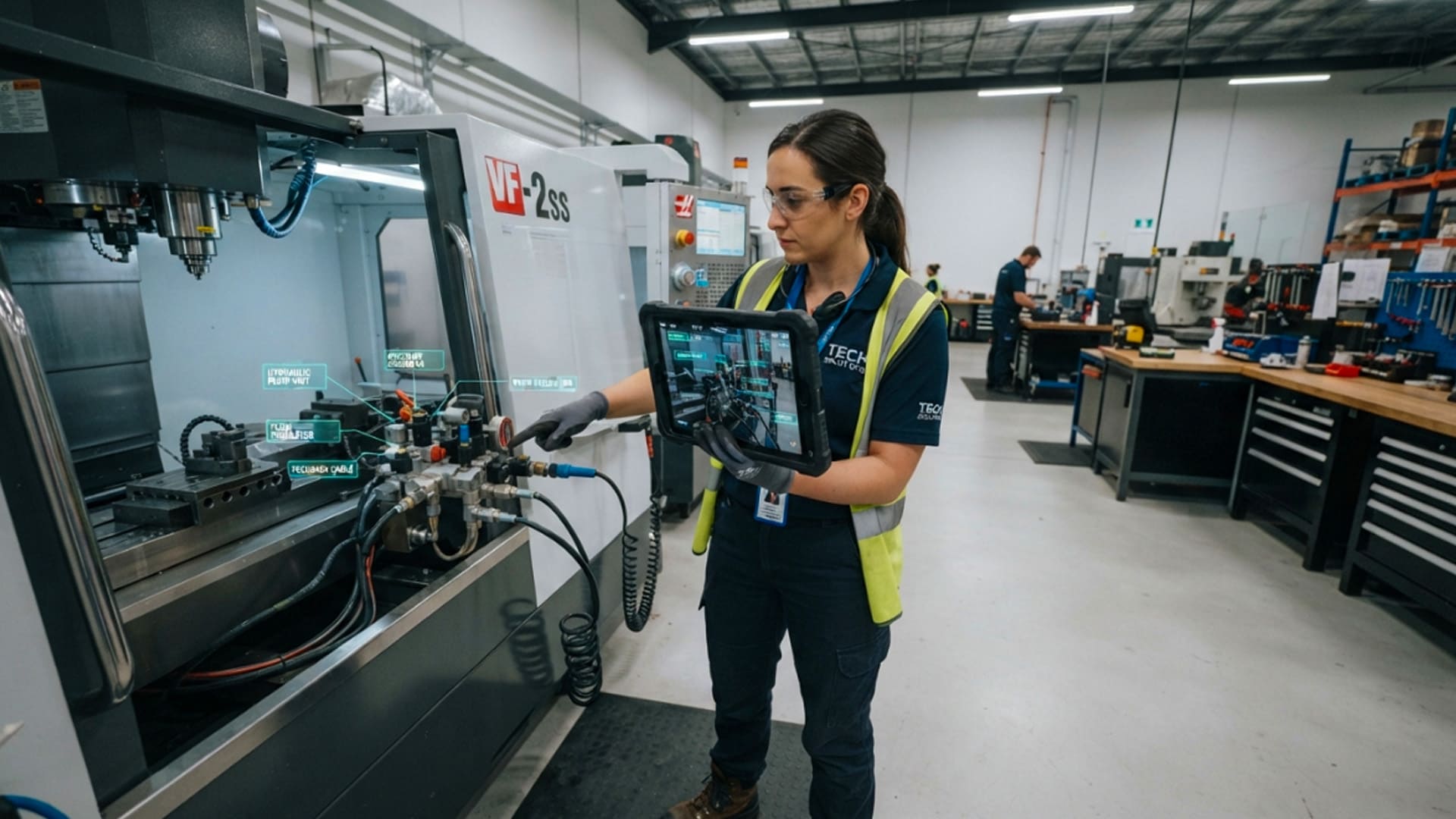
A technician may scan a machine and see an overlay identifying components. A warehouse worker may receive picking guidance. A visitor at a museum may point a phone at an exhibit to see additional context. In each case, the value comes from timing. The information is available when the person needs it.
The best AR guidance remains simple. It should help users take the next step without covering the real environment with unnecessary labels or distracting effects.
AR for Retail, Property and Customer Experiences
Customer-facing AR is growing because it can make digital shopping and marketing more interactive. It gives people an opportunity to explore products and places rather than only scroll through images.
Retailers can use AR for virtual try-ons, product placement and interactive packaging. Property businesses can use it to show planned finishes, furniture layouts or development information. Tourism and hospitality businesses can create location-based experiences that introduce visitors to landmarks, rooms or attractions.
The technology should support the customer journey rather than interrupt it. A person should be able to access the experience easily, understand what it does and move naturally to the next step, whether that is making an enquiry, booking a visit or purchasing a product.
Property Visualisation Before Construction Is Complete
Property projects often need to be marketed before construction is finished. Floor plans, renders and brochures are important, but some buyers still find it difficult to picture how a future room will feel at full scale.
AR can help bridge that gap. A buyer may use a phone or tablet to view a planned kitchen, apartment layout or building model in a sales office. A developer can use an interactive model to explain key features, available unit types and the relationship between indoor and outdoor spaces.
This type of experience works best when it is based on verified project information. It should be clear which details are confirmed and which are illustrative. Accuracy helps buyers use the visualisation as a decision-support tool rather than treating it as a purely promotional image.
Building Better Brand Interactions
AR can also give brands a way to create interaction without requiring a large physical installation. Packaging, posters, product displays and printed campaigns can become entry points to digital content through a QR code or image recognition.
A customer might scan a product to see a demonstration, unlock a recipe, explore a product story or view an interactive model. At an event, an AR experience can guide visitors through a stand or reveal additional content around a display.
The interaction should have a reason to exist. If it helps someone learn, compare, personalise or explore, it can add value. If it only adds a decorative animation, people may try it once and move on.

AR Can Improve Training and Field Support
Training is another area where AR can offer practical value. Many jobs involve procedures, equipment, environments or safety requirements that are easier to understand through guided practice than through text alone.
An AR application can provide visual prompts during training, helping learners identify parts, follow a sequence or understand where a process takes place. It can also support refresher learning when employees need quick access to information after formal training has ended.
This does not mean that AR replaces experienced supervisors or proper safety procedures. It is a support tool. The organisation still needs accurate content, qualified instruction and clear processes for deciding when digital guidance is appropriate.
Supporting Technicians in Complex Environments
Field workers often need to work with detailed instructions while managing tools, equipment and time pressure. AR can reduce the need to move constantly between a physical task and a separate manual or screen.
For example, an application may identify a component, show the next maintenance step or provide a visual checklist. A remote expert may also be able to see what the technician sees and provide guidance through a shared video or annotation system.
This can be especially useful when experienced support staff are not available at every location. However, the content must be reliable and easy to understand. Poor instructions in a technical setting can cause delays, errors or safety concerns.
Turning Training Into Active Practice
People often learn more effectively when they can connect information to an action. AR can support active practice by giving learners visual feedback as they complete a task.
A trainee may use a digital overlay to identify the correct tool, sequence a procedure or check whether a component has been installed correctly. The experience can help make abstract training material more concrete, especially for tasks that depend on location, orientation or physical movement.
Training teams should still measure whether the experience improves performance. Completion numbers alone are not enough. Useful measures may include accuracy, confidence, time to complete a task and the number of support requests after training.
Designing AR Experiences People Will Actually Use
A successful AR project is not only about the digital model or visual effect. It needs a clear user journey, reliable performance and a reason for people to return to it.
The first interaction should be simple. If users need to download a large application, create an account and follow several complicated steps before seeing any value, many will leave. Browser-based AR can reduce this friction for some customer experiences, while dedicated applications may be more suitable for secure workplace tools.
The content should also respect the real environment. Labels need to be readable, interactions need to be clear and the screen should not become crowded. A person using AR is still aware of their surroundings, so the digital layer must support rather than compete with the physical world.
Start With a Focused Use Case
Businesses do not need to create a large AR platform immediately. A focused pilot can test one customer journey, one product category or one training task. This makes it easier to understand whether the technology is useful before investing in a larger rollout.
A retailer may begin with a small group of products that customers often struggle to visualise. A manufacturer may test AR instructions for one maintenance procedure. A property business may create an interactive model for one development or show unit.
The pilot should have a clear measure of success. This may include customer engagement, enquiry quality, task completion time, fewer errors or feedback from staff and users. Results can guide the next version of the experience.
Plan for Content Updates and Device Differences
AR content is not a once-off asset. Products change, project details are updated and instructions need revision. Teams should plan for how models, text and interactions will be maintained after launch.
They should also test the experience across different devices. Screen size, camera quality, browser support and operating systems can affect how AR performs. An experience that works well on one high-end phone may need adjustments to work reliably for a wider audience.
A practical AR strategy focuses on useful content, accessible delivery and regular improvement. When the technology helps people understand their real environment more clearly, it becomes more than a novelty. It becomes a useful part of how businesses communicate, train and serve customers.