
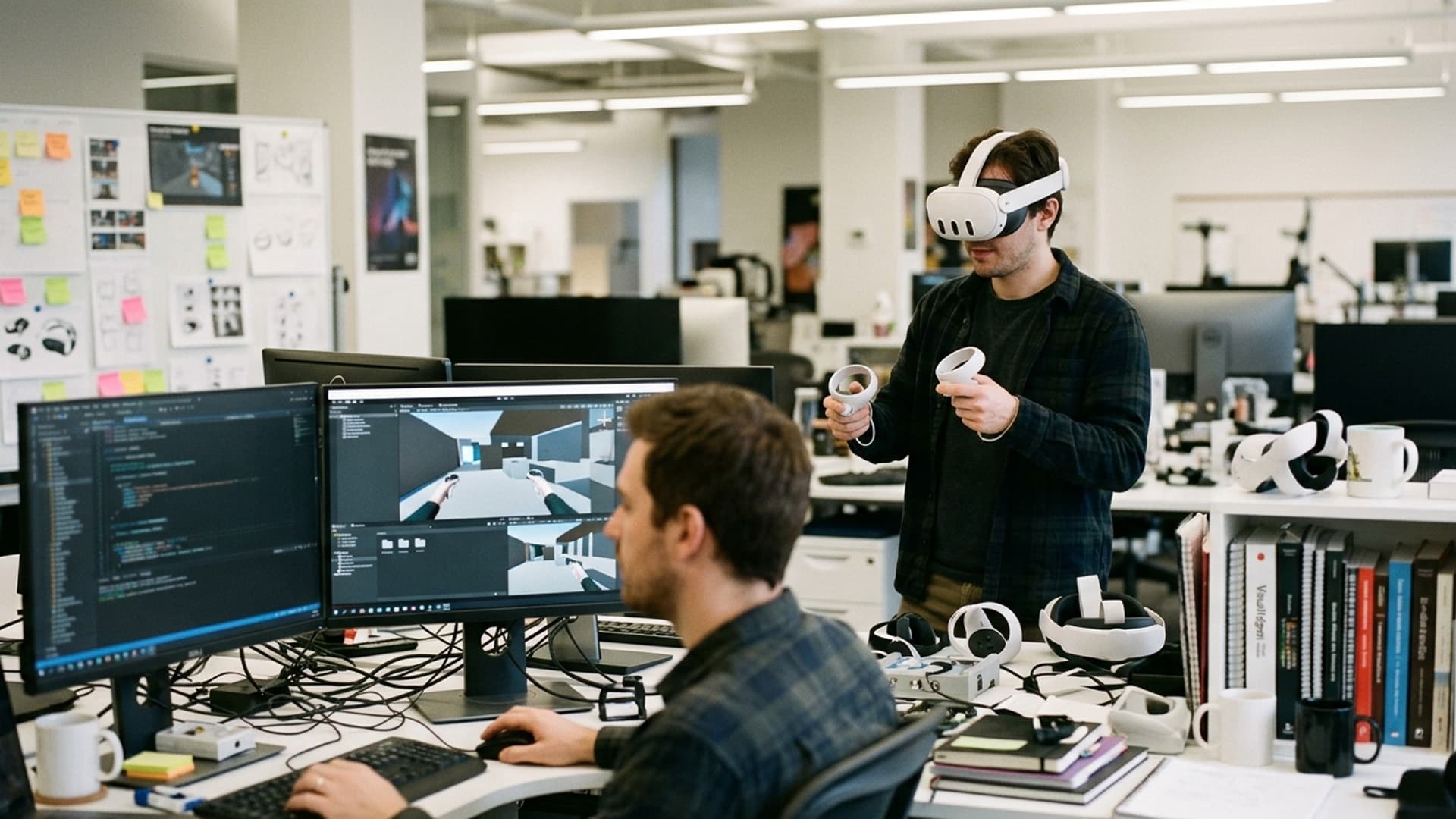
Standalone VR Design Balances Visual Quality With Performance
Standalone headsets make VR easier to deploy because they do not require a powerful computer or a cable to a workstation. That convenience comes with a finite performance budget. Developers have to balance visual quality, responsiveness, battery use and comfort on hardware that must render the scene in real time. The goal is not to strip a scene bare; it is to spend the available resources where users will notice and where detail supports the experience.
Define a performance target early
Choose the actual headset and operating conditions before art production is far advanced. Record the frame-rate target, memory constraints, storage limits and expected session length. The device’s capabilities should guide decisions about polygon count, texture resolution, lighting and effects. If the target changes late, significant redesign may be needed.
Profile a representative scene early. A small test environment can reveal whether the chosen materials, shadows and post-processing are practical. Build a performance budget for the whole scene rather than allowing every asset to consume resources independently. Reserve headroom for interaction, audio and unexpected runtime variation.
Focus detail where people look
Visual fidelity is perceived in context. The central object, the surface a user reaches toward or the text they need to read may deserve more detail than distant architecture. Use levels of detail and texture resolution that match viewing distance. Remove geometry that cannot be seen, simplify repeated background elements and avoid expensive effects that do not meaningfully change what users understand.
Lighting can strongly influence scene quality, but real-time dynamic lights may be costly. Baked lighting, carefully chosen materials and selective use of dynamic effects can create a convincing result within limits. Test how these choices behave as users move, interact and view the scene from unexpected angles.
Keep interaction responsive
A responsive controller or hand interaction makes the experience feel dependable. Input should register consistently, objects should move in a way users can predict and feedback should arrive promptly. Complex physics on many objects can consume resources and create unpredictable behaviour. Use detailed simulation where it supports the task, and simpler interactions for decorative objects.
Comfort is part of performance. Frame drops, judder, abrupt camera movement and delayed response can make users feel unwell. Avoid unnecessary locomotion, provide teleportation or stationary options when appropriate and keep the horizon stable. Let users pause and exit. A technically fast scene is not comfortable if it forces motion that conflicts with the user’s body.
Optimise assets at the right stage
Use an asset pipeline that checks geometry, textures, materials and audio before content enters the build. Compress textures appropriately, create platform-ready models and avoid shipping source files that are not used. Repeated assets may be instanced, and occlusion can prevent hidden objects from being rendered. Review shader complexity and overdraw, especially for transparent effects.
Optimisation should be measured rather than guessed. Record frame-time, memory and load-time on target hardware. Compare before and after changes so that visual trade-offs are understood. Test complex scenes with all effects enabled, not only individual assets in isolation.
Plan for battery, thermal and session use
Performance affects battery and heat. A demanding application may reduce session time or cause the headset to become uncomfortable. Test the intended session duration and consider how the device behaves after repeated use. Event deployments may involve back-to-back sessions, so a brief laboratory run is not enough. Keep charging, ventilation and device rotation in mind during operational planning.
Loading should be predictable. Use progress feedback when a scene takes time to prepare, and avoid loading assets the user may never access. If a download is required, show its size or status where useful. Make sure the application handles limited storage and interrupted installation clearly.
Make visual clarity accessible
Text and controls must remain legible inside the headset. Use sufficient size and contrast, avoid dense walls of text and ensure important content is not placed too close or too far away. Colour should not be the only distinction between states. Offer captions and adjustable audio, and consider seated use and alternative interaction methods.
Provide a comfortable onboarding path, especially for first-time users. Explain movement and controls before entering a demanding scene. Respect users who need to pause or remove the headset. A clear interface reduces support needs and gives people more attention for the experience itself.
Test the complete product
Test on the oldest or least capable device that will be supported, in the environment where the experience will run. Check tracking, controllers, network interruptions, sleep and resume, headset fit and recovery after an application crash. Invite people unfamiliar with the interface to use it without coaching. Their behaviour often reveals usability issues that performance charts cannot.
Standalone VR rewards deliberate trade-offs. By establishing device budgets, concentrating detail, keeping interaction responsive and testing complete sessions, a team can deliver an experience that feels polished without exceeding its hardware. Visual quality and performance are not opposing goals when each design decision is tied to what the user needs to see and do.
Protect the first-use experience
Performance is important before gameplay begins. A headset that takes too long to start, requests confusing permissions or opens into an unexplained menu can discourage a new user. Provide a short, reliable launch path and show a clear loading state. If content must be downloaded, indicate progress and handle a dropped connection without requiring the user to guess whether the installation is still working.
The first session should introduce movement and controls in a low-pressure space. Do not place a new player into a visually demanding scene while also teaching complex input. Let them adjust comfort settings before starting and make those preferences easy to find later. A restart should preserve the settings that matter.
Check thermal and battery conditions after repeated sessions, not only at startup. Event or training use can involve back-to-back users, and performance may change as a device warms or battery declines. Establish charging and rest procedures that fit the hardware guidance.
A consistent first-use path makes technical quality visible as confidence. The player can attend to the experience when setup, loading and controls behave predictably.
Track budgets through production
Keep a simple performance dashboard for representative scenes: frame time, memory, load time and package size. Recheck it when adding new lighting, particles, animation or interaction. This makes trade-offs visible while there is still time to adjust assets. A small regression can compound across a large scene, even when each individual addition seems harmless.
Profile the slowest area, not only the opening scene. Users may move into a location with many objects or effects that was not part of the original test. Include repeated transitions and longer sessions, because memory use can grow as assets load.
When an effect is removed for performance, review whether its meaning can be preserved another way. Simplification should be deliberate: retain cues that help the player read distance, state or interaction, and reduce decoration that does not affect understanding. A measured budget gives the team a shared basis for those decisions.
Decide what quality to preserve
When performance requires simplification, rank visual and interaction details by their effect on the player. Preserve silhouette, readable controls and cues that communicate state. Reduce distant decoration, unnecessary material variation or effects that do not change gameplay. This keeps optimisation aligned with the experience rather than applying reductions uniformly.
Review representative screenshots and interactions after optimisation. Ask whether players can still identify important objects and whether materials communicate the right distinction. A stable frame rate is essential, but an asset that no longer communicates its purpose is not a successful optimisation. Document important compromises so future revisions do not accidentally undo them.
Related Vectors
Full HubMore From Virtual Reality
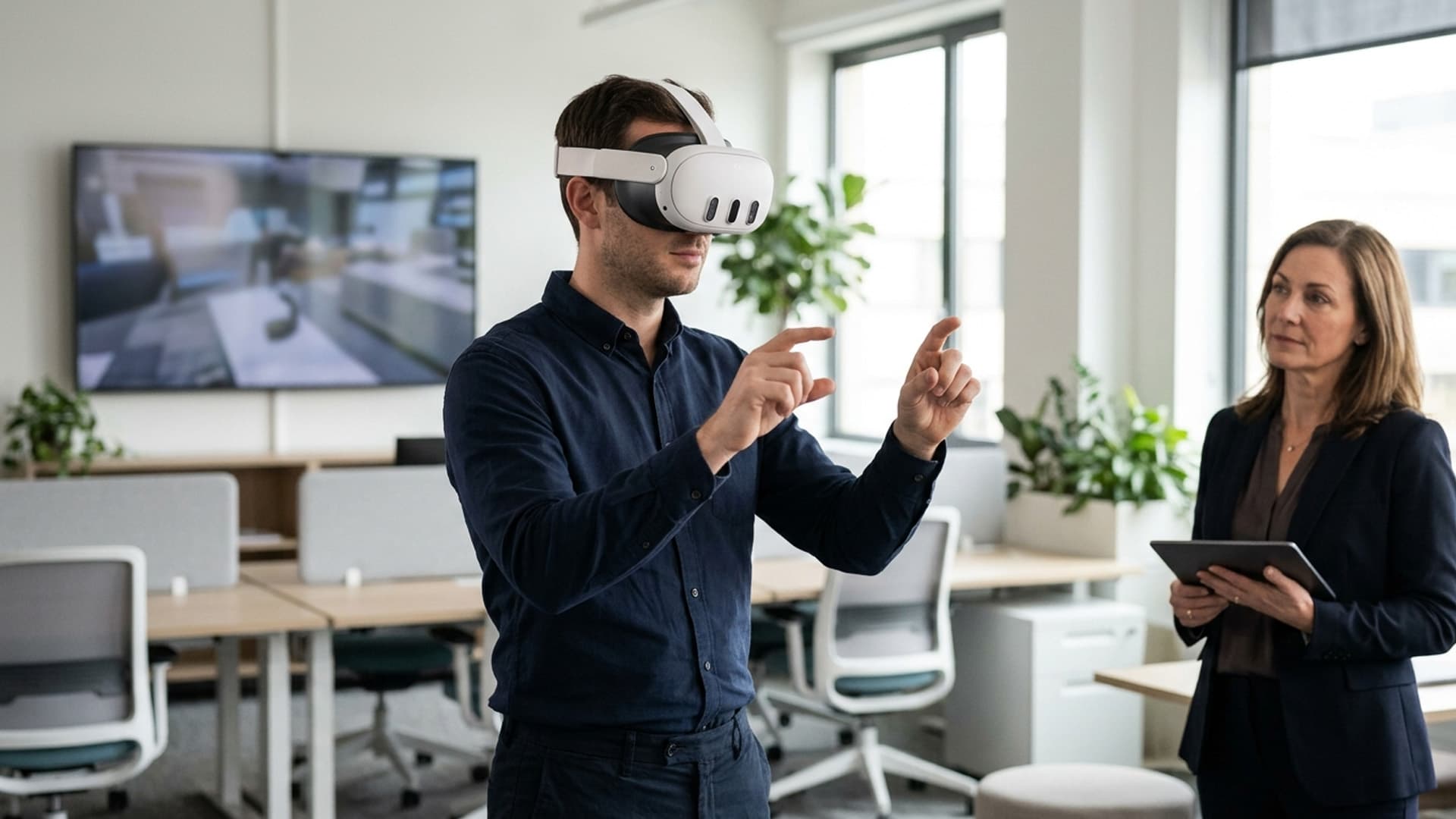
Custom VR Software Makes Practice More Interactive
Custom VR applications can let people practise decisions inside a scenario rather than only hear about them. The design should make each interaction purposeful and clear.

Adaptive VR Training: Using Physiological Feedback to Improve Learning & Safety
Revolutionize training with adaptive VR—utilizing heart rate, gaze, and stress indicators to personalize learning and enhance safety.

Civilization VII in VR for Meta Quest 3: Release Date, Pricing, and What to Expect
Explore Civilization VII in VR—launching April 10, 2025, for $60. Experience the strategy classic in immersive mixed reality.