
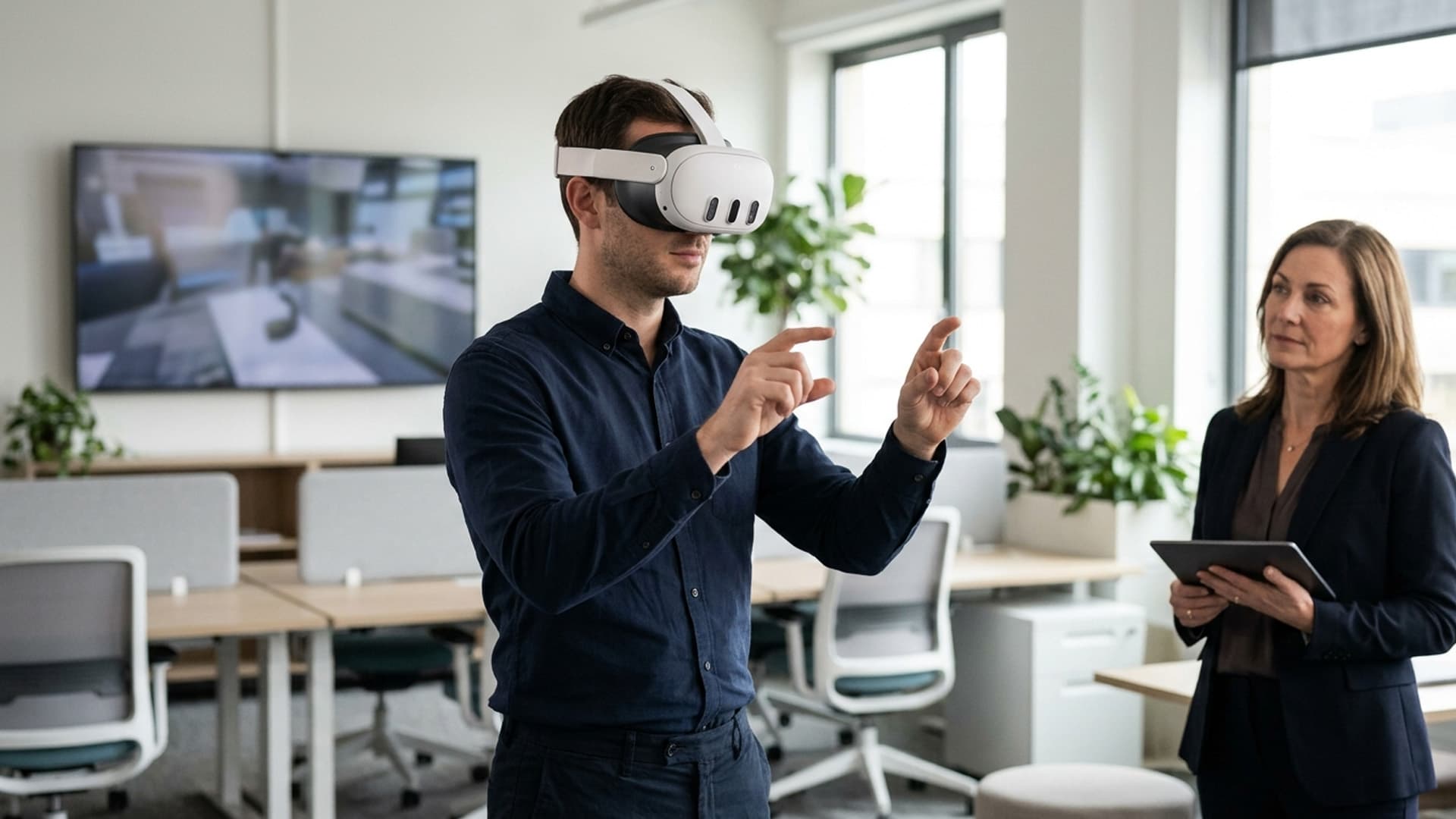
Custom VR Software Makes Practice More Interactive
Training often asks people to remember a procedure and then apply it in a situation where they may feel pressure. Custom VR software can let them practise a decision in a repeatable environment and see the result of their actions. Interactivity is valuable when it gives the learner meaningful choices; merely walking around a digital room is not the same as practising a skill.
Turn a learning objective into an action
Write the objective as something a learner can demonstrate. They might identify a condition, choose a response, operate a control or explain why a sequence matters. That objective guides the scenario and the feedback. If the intended outcome is too broad, the experience can become a collection of loosely related interactions without a clear way to judge whether it helped.
Consult instructors and experienced staff to understand where learners commonly hesitate. Gather relevant procedures, examples and terminology. Separate what must be represented accurately from what can be simplified. This record helps the team create a scenario that is educationally useful without claiming to reproduce every real-world variable.
Design a meaningful choice loop
An interactive training sequence should help the learner notice a cue, consider options, act and review what happened. Choices should reflect decisions that matter. If every path leads to the same response, learners may conclude that their actions do not matter. If the feedback is too subtle, they may not understand the consequence. Make outcomes visible and explain the learning point in context.
Use hints in a way that supports learning. Early practice can include prompts and demonstrations, while later attempts can reduce assistance. Keep the user in control of pace and allow them to repeat a step. A reset should be easy to find, and mistakes should be treated as opportunities to learn rather than as a source of embarrassment.
Support different modes of use
A facilitator-led session may need a way to pause, observe progress or draw attention to a moment. Individual practice may need clearer self-guidance and a summary at the end. Decide whether the software needs to support both modes. Avoid adding dashboards or scoring features that do not serve the learning goal. If progress is stored, explain the purpose and limit access appropriately.
Training content should fit into the organisation’s broader programme. A VR activity might introduce a subject, reinforce a lesson or provide repeated practice. It should not quietly substitute for supervised experience when that is still required. Make the role of the simulation clear to trainers and learners.
Make controls learnable
Participants may not be frequent VR users. Keep interaction patterns consistent and provide a short orientation before the training scenario starts. Use accessible text size, clear labels and reliable feedback when an action registers. Avoid requiring complex gestures when a simple button press would work. If the user must reach, bend or turn, check that the movement is comfortable and safe for the intended environment.
Offer seated use or alternative controls where the task allows. Provide captions, volume controls and a visual equivalent for important audio cues. People who cannot use a headset should have a comparable way to access the training content. These accommodations improve inclusion and make deployment more resilient.
Build for target hardware
Headsets differ in processing power, tracking, input and available storage. Set a target device early and test on it throughout production. Optimise models, lighting and effects for stable performance. A visually elaborate scene that drops frames can reduce comfort and distract from the lesson. Use a loading state, save progress when appropriate and make recovery clear if the application is interrupted.
Consider the training room as well as the device. There may be limited floor space, background noise, shared equipment and short session windows. Plan how users will put on the headset, clean it, sign in and get help. A strong application can still fail in practice if setup takes longer than the training slot.
Validate the scenario
Test with both learners and subject experts. Learners can reveal whether instructions and controls make sense; experts can identify inaccuracies or unsafe assumptions. Observe participants without coaching and note where they look, what they try and when they need help. Revisit the prototype with a corrected scenario rather than polishing visual details while the task remains confusing.
Measure against the objective. Can learners identify the relevant cue more reliably after practice? Can they explain their choices? Do they need fewer prompts on a later attempt? Use the organisation’s established evaluation approach and do not overstate what a small pilot proves.
Interactive VR training works when the software gives people a meaningful opportunity to practise and reflect. Clear objectives, relevant decisions, supportive feedback and careful device testing make the experience useful. The most effective interaction is not the one with the most buttons; it is the one that helps a learner make a better connection between what they notice, what they do and what happens next.
Prepare trainers to facilitate
A facilitator guide should describe the learning objective, expected session length, setup steps, discussion points and known limitations. Include a troubleshooting path for tracking loss, controller issues and application interruption. Trainers should know how to restart without losing the whole session and how to switch to an alternative if the headset cannot be used.
Explain which prompts are part of practice and which can be disabled for assessment. The facilitator should know what a score means, whether it is comparable across sessions and what it does not prove. Avoid presenting an application metric as an objective measure of job performance unless it has been validated for that use.
Run a short facilitator rehearsal before rollout. Let trainers experience the application as a learner, practise pausing and debriefing, and discuss how the virtual scenario maps to real instruction. This builds confidence and exposes gaps in the operating guide.
A well-prepared facilitator helps the application fit the training programme. Software provides repeatable interaction; people provide context, judgement and support when a learner needs more than a prompt.
Review content changes before release
Training software can remain technically stable while its procedure becomes outdated. Create a change request path for subject experts and record who approves each content revision. When an instruction changes, check every related hint, animation, score condition and debrief prompt. Updating one line of text may not be enough if the scenario still rewards the former action.
Use a version label that trainers can find without navigating into a technical menu. Keep release notes concise and explain whether a change affects learning objectives or only presentation. If an old version must remain installed temporarily, clarify which one is approved for training.
A periodic content review can be scheduled alongside the organisation’s normal procedure review. This makes maintenance predictable and helps prevent an application from becoming an unofficial source of instructions. Clear governance protects both learners and trainers as workplace practice evolves.
Keep session length appropriate
Training sessions should include setup, orientation, practice and debrief. If the scenario is too long, learners may rush or lose focus; if it is too short, there may not be enough opportunity to practise. Test duration with the intended audience and schedule breaks for longer modules. Tell learners how long a session is expected to take before they begin.
For shared devices, plan time for fitting, cleaning and reset between participants. For independent use, consider save points so an interruption does not force a complete restart. Session design should respect the actual workday and the learner’s capacity to concentrate, not just the amount of content the team can fit into the virtual environment.
Related Vectors
Full HubMore From Virtual Reality

Adaptive VR Training: Using Physiological Feedback to Improve Learning & Safety
Revolutionize training with adaptive VR—utilizing heart rate, gaze, and stress indicators to personalize learning and enhance safety.

Civilization VII in VR for Meta Quest 3: Release Date, Pricing, and What to Expect
Explore Civilization VII in VR—launching April 10, 2025, for $60. Experience the strategy classic in immersive mixed reality.
Optimizing Your Meta Quest 3 for Sim Racing Excellence
Enhance your sim racing experience with Meta Quest 3—step-by-step guide to calibration, hardware setup, and achieving peak performance.