
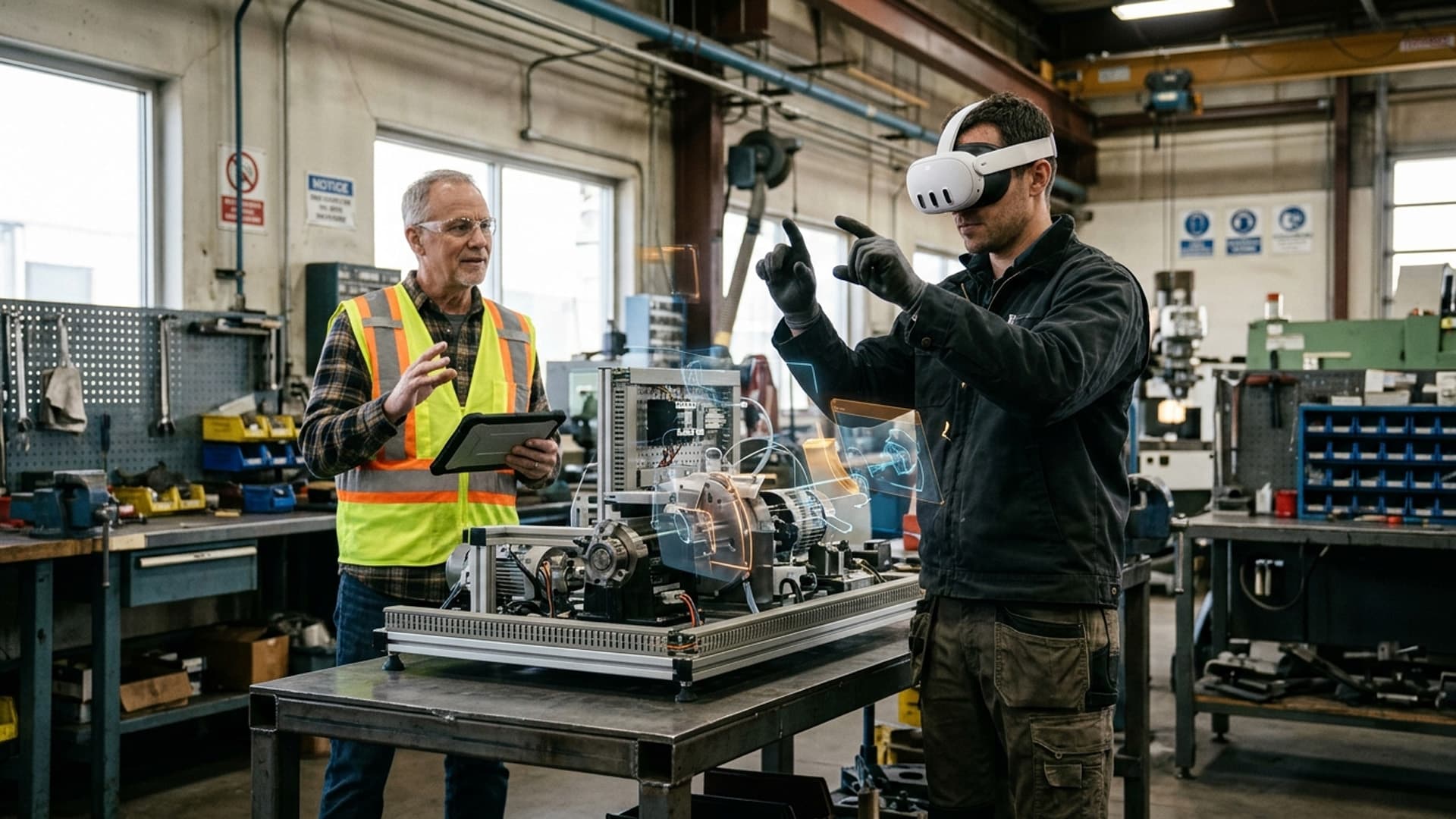
Realities describes mixed reality development as a way to combine physical and digital experiences. Its service page lists custom MR applications, product visualisation, training and simulations, marketing experiences, educational tools and remote assistance as potential project areas. Each requires careful alignment between the digital layer and the user’s real task.
Define where digital content helps
A product visualisation may let a person inspect an object in context. A training simulation can guide practice around a task. A remote assistance workflow may connect a field worker with an expert. These use cases are described on the service page, but they are not interchangeable. The team should identify the user, environment and action before deciding what the MR application should display.
Design for the physical setting
The application must account for lighting, space, movement, device fit and the presence of other people. Digital elements should remain legible and should not obscure hazards or important real-world information. If the experience supports work in healthcare or manufacturing, subject-matter experts should review instructions and safety boundaries. A simulation does not replace required qualifications or supervision.
Give users understandable controls for pausing, dismissing or repositioning digital content. Test with representative users in a realistic environment and document device limitations. If a task can be explained more clearly with a conventional screen or printed reference, that option should remain part of the evaluation.
Consider ownership and support
Mixed reality applications may need updated models, revised instructions or compatibility changes. Agree who approves content, manages devices and responds to support requests. If remote assistance features involve cameras or workplace data, establish privacy and security practices before deployment.
Realities offers mixed reality development alongside VR, AR and metaverse services. A well-scoped MR project connects the physical environment, digital content and people responsible for using and maintaining the experience.
Scoring can clarify a challenge or distract from it
A short VR challenge often uses a score to make progress visible. Points, time and completion can help participants understand how they are doing, but scoring also changes what people pay attention to. A design that rewards only speed may encourage rushed movement. A leaderboard can motivate some groups and make others feel excluded. The score should reinforce the experience's purpose rather than become its only objective.
Start by deciding what successful participation means. Is the goal to practise a skill, explore a scene, collaborate or simply enjoy a game? If the challenge is educational or product-related, the score should reflect the intended learning or interaction. A number that rewards random activity may make the experience feel competitive without helping participants understand anything.
The audience and event context matter. A public activation may need a score that is understandable within a few seconds. A training scenario may need private feedback rather than public ranking. A collaborative challenge may benefit from a shared team result. The choice should match the social environment.
Make the scoring rule visible
Participants should know what earns points and when the score is updated. If the system rewards accuracy, explain how accuracy is judged. If time matters, make clear whether the clock begins at the start or after instructions. Hidden rules can make a challenge feel arbitrary and reduce trust.
The feedback should be immediate enough to help the participant but not so frequent that it interrupts the scene. A short cue can show that an action registered. A summary at the end can explain the result and offer one useful observation. Avoid placing large numbers in the user's view throughout the challenge if they compete with the task.
Scoring should account for different levels of familiarity. First-time users may need to learn controls before they can perform quickly. A warm-up or practice phase can separate learning the interface from completing the challenge. This makes the score more representative of the task and less dependent on prior gaming experience.
Choose a fair comparison
Leaderboards create social energy but require careful rules. Are participants compared across sessions, devices or time periods? Does the system reset for each event? Can a user participate multiple times? Without clear boundaries, a leaderboard may compare people under different conditions.
Public rankings can embarrass participants or reveal identity. Use nicknames or team names where appropriate, and let people opt out. A personal best or group score may be more welcoming than a public list. The design should not expose personal information simply to make competition visible.
The scoring system should resist easy exploitation. If a repeated action can earn points without completing the intended task, participants may discover it. Test edge cases and observe real users. A short challenge can be especially vulnerable because one unusual interaction may dominate the result.
Avoid rewarding unsafe behaviour
In VR, physical movement may be limited by the room and headset. A score that rewards speed, large gestures or reaching can create risk. The challenge should be playable within a safe boundary and should not pressure a participant to move faster than they are comfortable with.
The facilitator should be able to pause the experience and explain the boundary. Participants need a clear stop action. If a task includes movement, offer a stationary alternative where possible. A score should never become more important than comfort and safety.
Motion and visual effects also influence performance. Rapid movement can affect some users, so the application should use stable viewpoints and predictable transitions. Scoring feedback can be conveyed without flashing or sudden animation.
Make feedback useful after the challenge
The score can be followed by a brief explanation of what happened. A participant may see which decision helped, what they missed or how their team coordinated. This reflection can make the challenge more meaningful than simply displaying a number.
For a training experience, feedback should connect to the real-world skill and avoid presenting a simulation score as a complete measure of competence. A short VR challenge may test one scenario, not the entire job. The facilitator can discuss what the experience simplifies and how the lesson applies outside the headset.
For an event game, the result can lead to a conversation or next activity. The participant may want to retry, compare strategies or share the experience. Provide a clear route without forcing a social post or data submission.
Privacy and measurement
Scores may be stored or linked to an account. Decide whether persistent records are necessary. A one-time event challenge may only need an anonymous session score. If names or contact details are collected, explain why and make the choice separate from participation.
Analytics can reveal where participants struggle, but detailed tracking should be limited to what the design team needs. Aggregate completion and reset metrics may be sufficient. Avoid using challenge scores for employment, academic or eligibility decisions unless the system has been validated for that purpose and participants understand the stakes.
Test the challenge with different users
Testing should include people with different levels of VR familiarity. Observe whether the instructions are clear, whether scoring feels fair and whether the experience remains comfortable. Ask what participants thought the score represented. If their interpretation differs from the design intent, improve the rules or feedback.
Measure the full experience: briefing, play, end screen, reset and queue. A challenge that takes one minute to play may occupy the station much longer. The host should have enough time to explain and clean the device between participants. Event capacity should reflect the real cycle.
A score in service of the experience
Realities develops VR games, challenges and interactive experiences for groups, events and training contexts. A scoring approach should match the purpose, audience and environment. Clear rules, fair comparisons, safe interaction and useful feedback make the challenge easier to enjoy and easier to evaluate.
The best score is not always the biggest or most competitive one. It is the feedback that helps a participant understand what happened and what to do next. When scoring supports the experience rather than dominating it, a short VR challenge can remain playful, fair and meaningful.
Related Vectors
Full HubMore From Mixed Reality
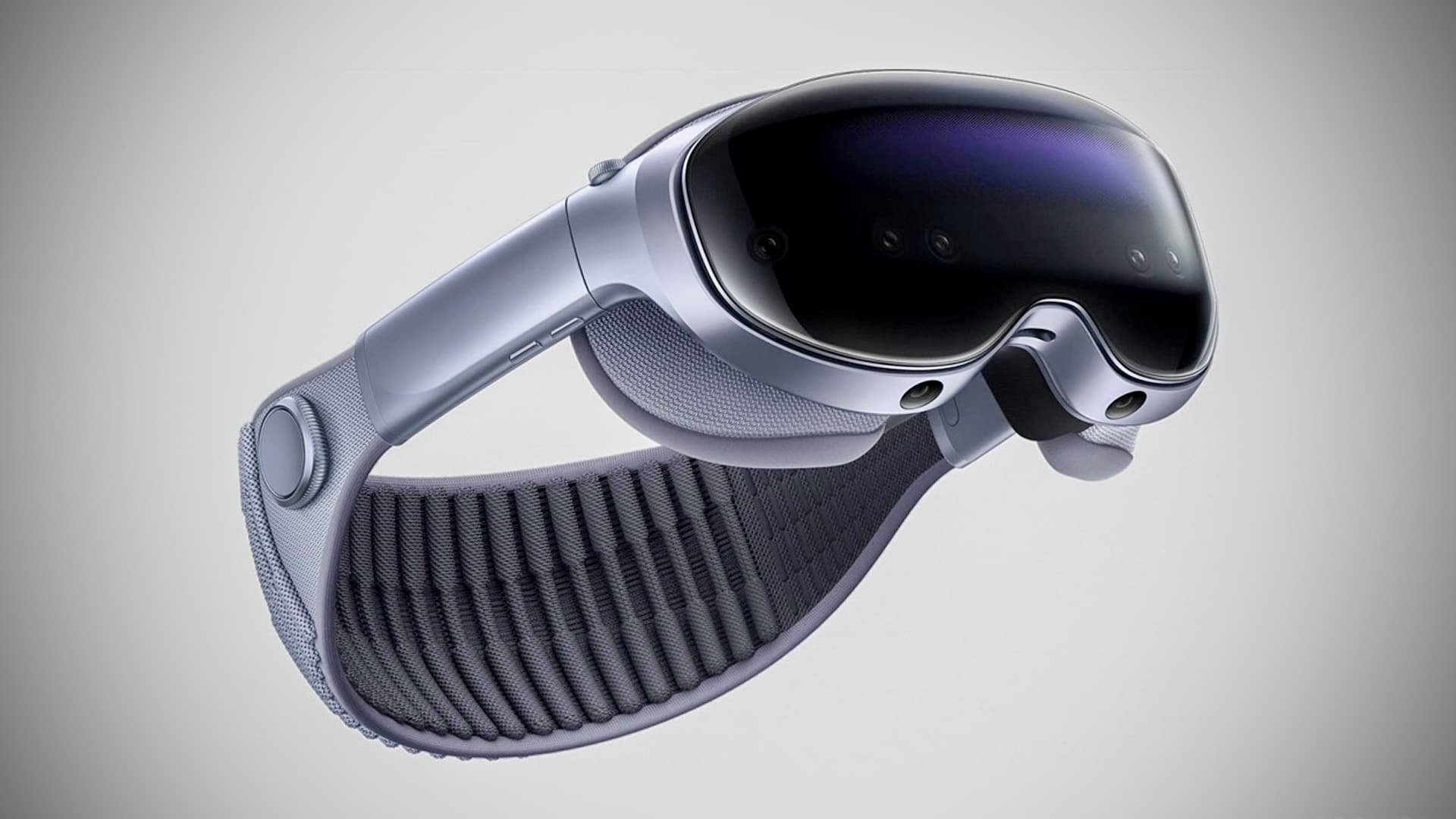
Vivo’s Mixed Reality Breakthrough
Vivo enters the MR market with Vision Discovery Edition—dual 8K Micro-OLED displays, Snapdragon XR2+ Gen 2, and ultra-light design.
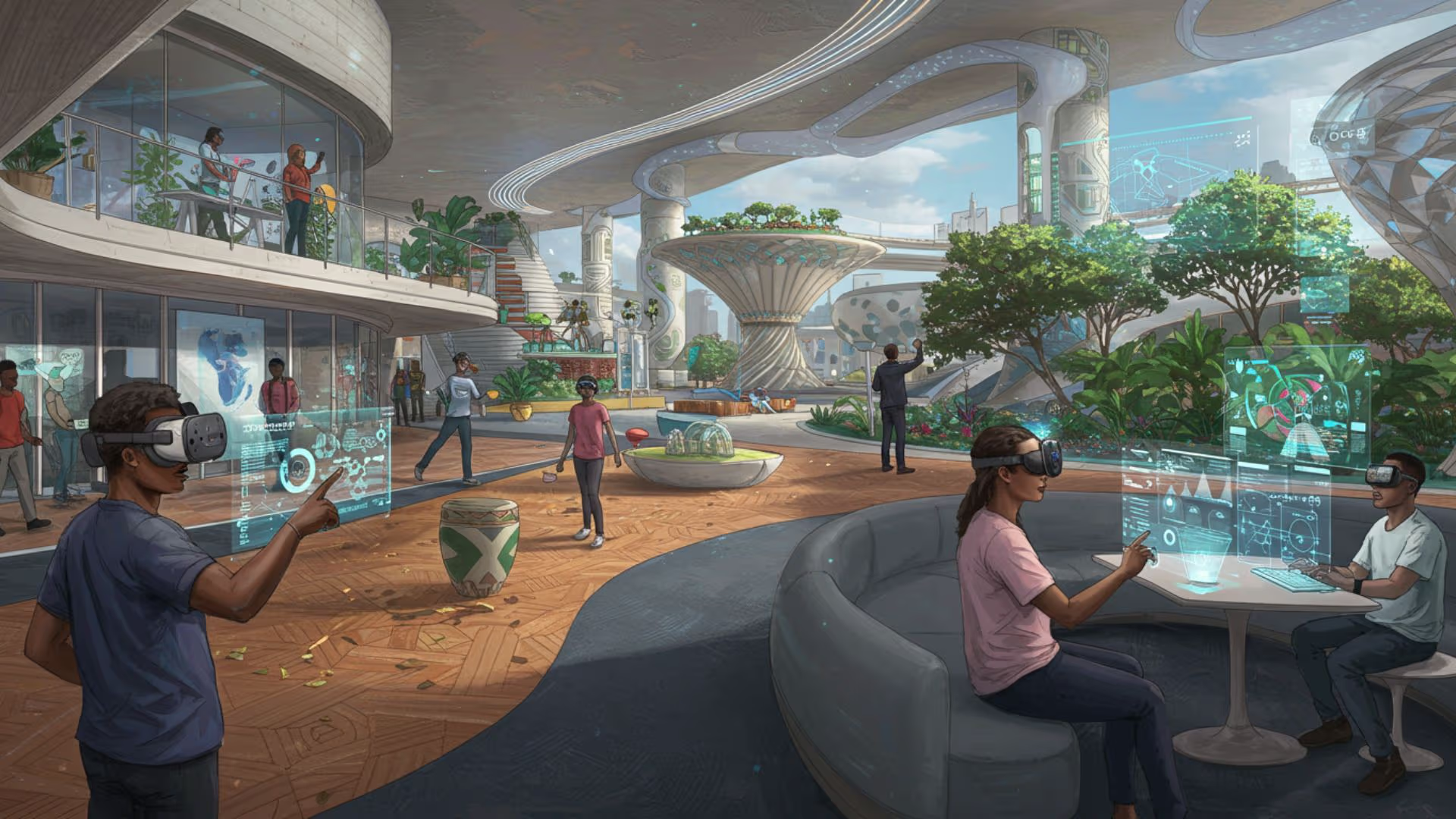
The Future of Realities: Exploring Virtual, Augmented, and Mixed Realities in 2025
Explore the evolution of virtual, augmented, and mixed realities in 2025, and their impact on various industries and daily life.
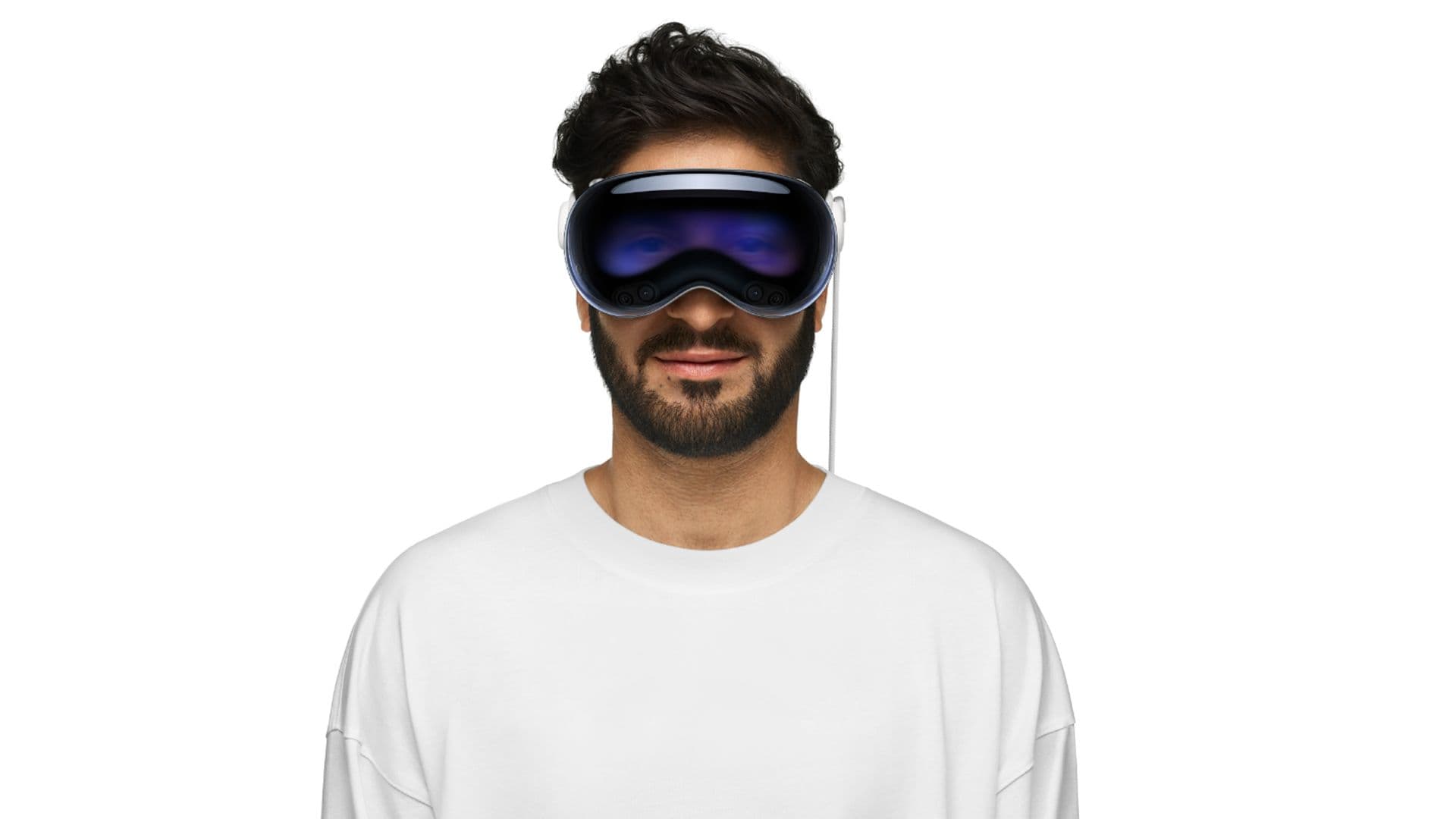
Apple Vision Pro Launches in the UAE and South Korea: A New Era of Mixed Reality
Apple's Vision Pro launches in UAE and South Korea, introducing a new era of mixed reality with advanced features and immersive experiences.