
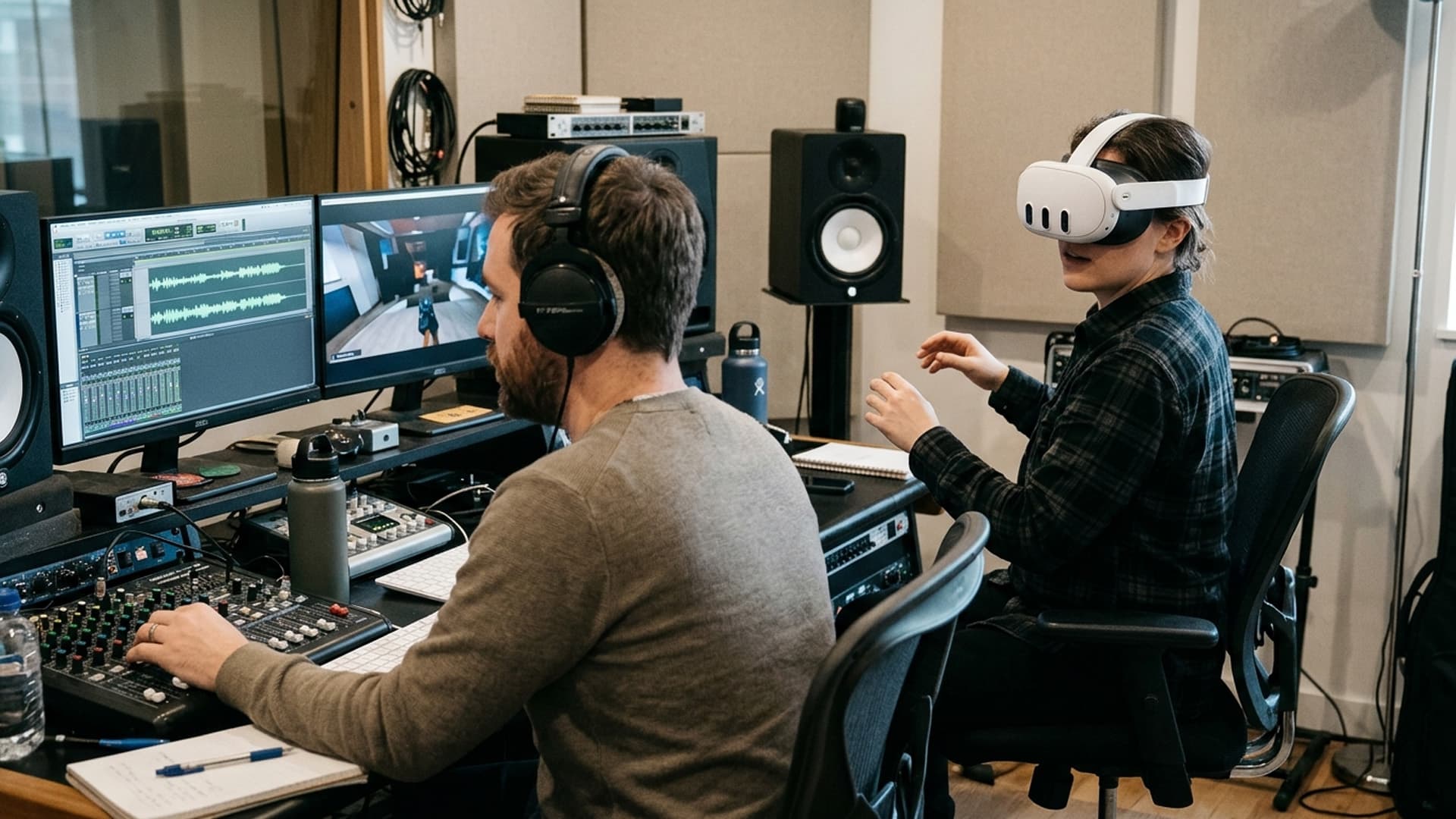
Spatial Audio Helps People Find Their Way in an Immersive Scene
An immersive scene gives people room to look around, which also means they can miss what the creator expects them to notice. Spatial audio can help orient a listener by placing a voice or sound in relation to the environment. It can make a scene feel coherent and support navigation, but only when the sound has a clear role and the experience remains understandable without relying on direction alone.
Decide what the sound is telling the listener
Start with a simple question: what should a person learn or notice because of this sound? A voice may indicate a character’s location, a machine may signal that a process has started, or an environmental sound may help establish the size and character of a space. If a sound does not contribute to information, atmosphere or interaction, it may not need spatial placement.
Separate critical audio from ambient detail. Essential dialogue should remain intelligible when the listener looks away. A narration track can stay centred while environmental effects remain spatial. If the audience must hear a warning or instruction, reinforce it with a visual cue or caption as well. This makes the experience more robust and accessible.
Build a clear sound hierarchy
Immersive scenes can contain sounds from many directions. Without a hierarchy, the listener may struggle to decide what matters. Identify primary, secondary and ambient sounds. Keep key speech distinct from background noise, and avoid starting several important audio events at once. Allow a moment of quiet when the user needs to focus on a choice or instruction.
Volume and movement should be controlled. A sound that suddenly appears behind someone can be startling, while a rapidly moving source can prompt uncomfortable head movement. Use gentle transitions, consistent levels and a clear reason for changes in position. Let listeners control volume and provide a way to pause or mute the experience.
Match the mix to the playback environment
Headphones can provide a strong sense of direction, but users may listen through speakers, a headset’s built-in audio or an accessibility device. The mix should preserve the essential story in each format. Test mono and stereo fallbacks, because directional distinctions may collapse. Do not place a critical word or cue exclusively in a channel that some users will not hear.
The surrounding environment matters. A public installation may be noisy; a classroom may need headphones; a home user may have limited volume. Captions and transcripts make content useful when audio is unavailable. If a facilitator is speaking alongside the experience, ensure the virtual audio does not make instructions difficult to hear.
Use sound to support navigation
Audio can suggest direction without turning the experience into a scavenger hunt. A subtle cue may invite a user to look toward an event; a recurring sound can help identify a location; a voice can make a character easier to find. Pair these cues with visual orientation, such as a map, landmark or label, when the task requires reliable navigation.
Give users time to respond. If an event lasts only a moment, they may not be able to locate it before it disappears. Important information can be repeated or remain available through a menu. In guided experiences, explain that users can look around freely and that the story will wait where possible.
Plan sound production with the scene
Spatial audio cannot fully repair a confusing scene. Plan recording, sound source locations, dialogue and user movement together. Consider how the listener’s position changes what they hear and whether the perspective is consistent. For captured content, the camera and microphone setup should support the desired spatial impression. For generated content, sound sources should align with visible objects and their behaviour.
Review with headphones and speakers throughout production. Ask listeners to identify where a sound seems to originate and what it means. If people disagree, the mix may be ambiguous. Check dialogue intelligibility, clipping, level variation and whether background detail masks important cues. A technical meter helps, but listening tests reveal the experience’s human effect.
Make spatial sound accessible
People hear differently, and some cannot use spatial cues at all. Captions can describe meaningful off-screen sounds, identify speakers and communicate changes in the environment. A transcript provides a complete alternative for spoken content. Do not communicate a safety state, choice or objective only through left-right positioning or a tone.
Offer volume control, caption settings and a clear pause. Avoid autoplaying sound on a web page. If the experience is embedded in a frame, name it descriptively and make keyboard focus manageable. These interface details help people decide how and when to engage with audio.
Test orientation and comfort
Observe first-time users in a representative environment. Do they turn toward the right source? Do they understand why a sound occurred? Do they feel pushed to move too quickly? Ask them to describe the scene after listening. Test the experience with audio reduced, headphones removed and captions enabled to identify information that is missing from alternative modes.
Spatial audio is most effective when it gives listeners a useful sense of place without taking control away from them. A clear sound hierarchy, compatible playback, accessible alternatives and considered movement make an immersive scene easier to understand. Sound should support the listener’s mental map, not compete with it.
Use an audio accessibility review
Create a transcript and caption plan before final mixing. Identify speakers, meaningful off-screen events and moments where sound indicates a change. Captions should be concise enough to read while looking around, and their position should avoid covering important scene elements. A transcript can provide a fuller account for people who prefer reading or need to review the material later.
Test whether the experience remains understandable with spatial audio disabled. Some listeners may use mono output, have hearing loss or play the experience in a noisy environment. Preserve critical information through visual cues or text. If sound direction is part of a game mechanic, provide a visual option or a setting that changes how the cue is represented.
Review volume and sudden changes with listeners who have different sensitivities. A low-frequency effect may feel more intense in a headset than it sounded in studio monitors. Give people control over audio and avoid making a loud sound the only way to signal urgency.
Accessibility is not an afterthought to spatial design. It is a way to ensure that the scene’s important meaning can reach people through more than one sensory route.
Keep an accessible production package
Store the approved audio stems, captions, transcript and mix notes together with the final experience. Record which track is spatial and what fallback is used. If a new language or scene edit is introduced, the team can identify which audio elements need review rather than reconstructing the mix from a single flattened file.
Have reviewers check pronunciation, speaker identification and the meaning of environmental sounds. Captions should identify a meaningful sound without cluttering every ambient detail. The transcript can include context that is helpful outside the immersive scene.
A clear production package makes future updates safer and faster. It also gives accessibility reviewers a way to evaluate the experience without requiring them to infer how the audio was authored.
Keep the mix maintainable
Name audio assets by source and scene, keep original recordings and store approved processed versions separately. Note which sounds are essential for orientation and which are ambient. This makes later localisation and accessibility updates easier.
When a scene changes, the team can identify which cues need to move or be re-recorded. Clear asset organisation prevents a developer from replacing a meaningful directional cue with a generic sound simply because the original file is difficult to find. Maintenance is part of sound design quality.
Related Vectors
Full HubMore From Virtual Reality
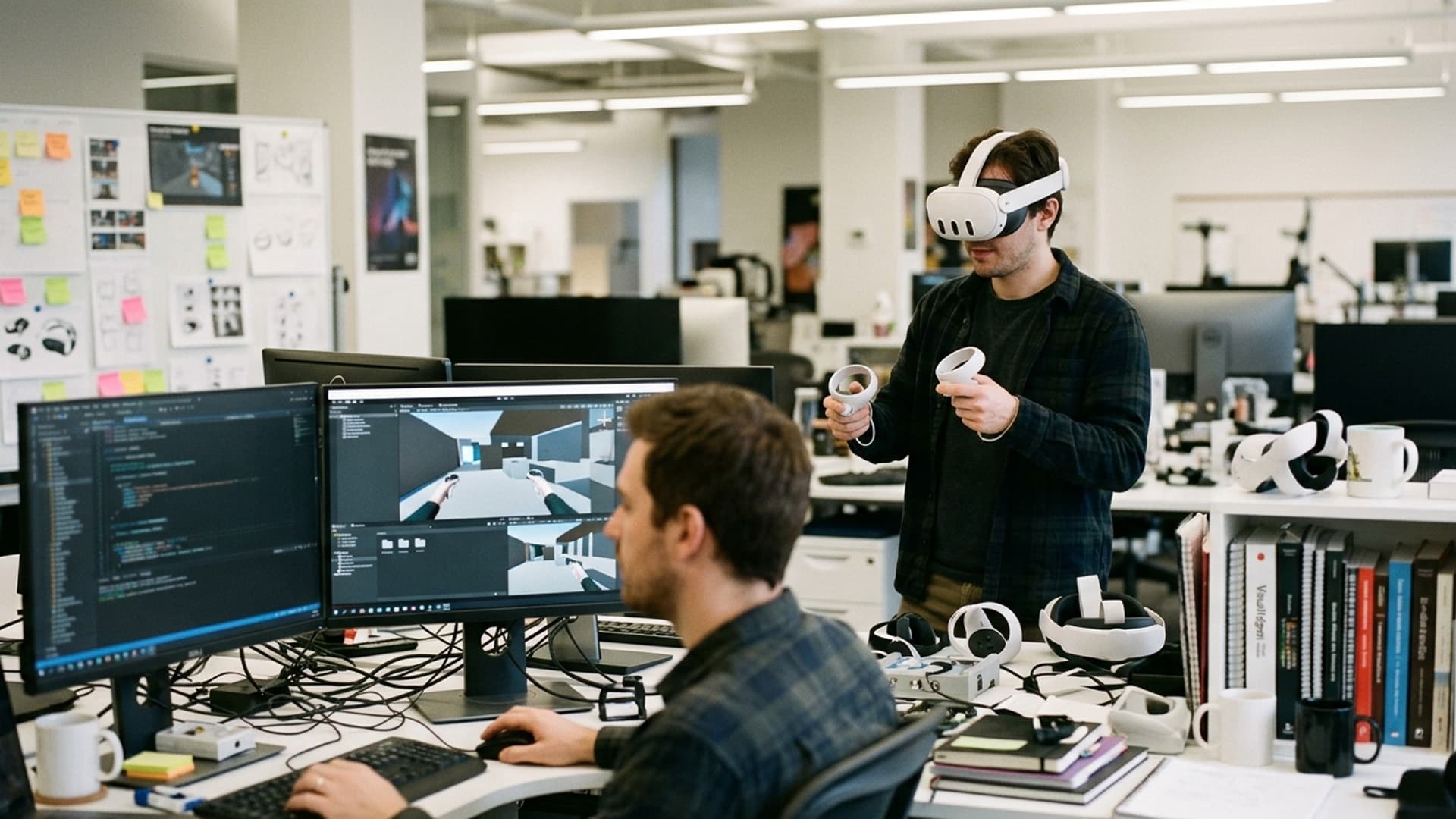
Standalone VR Design Balances Visual Quality With Performance
Standalone headsets make immersive applications easier to deploy, but they place limits on processing and battery. Good design makes those constraints part of the creative process.
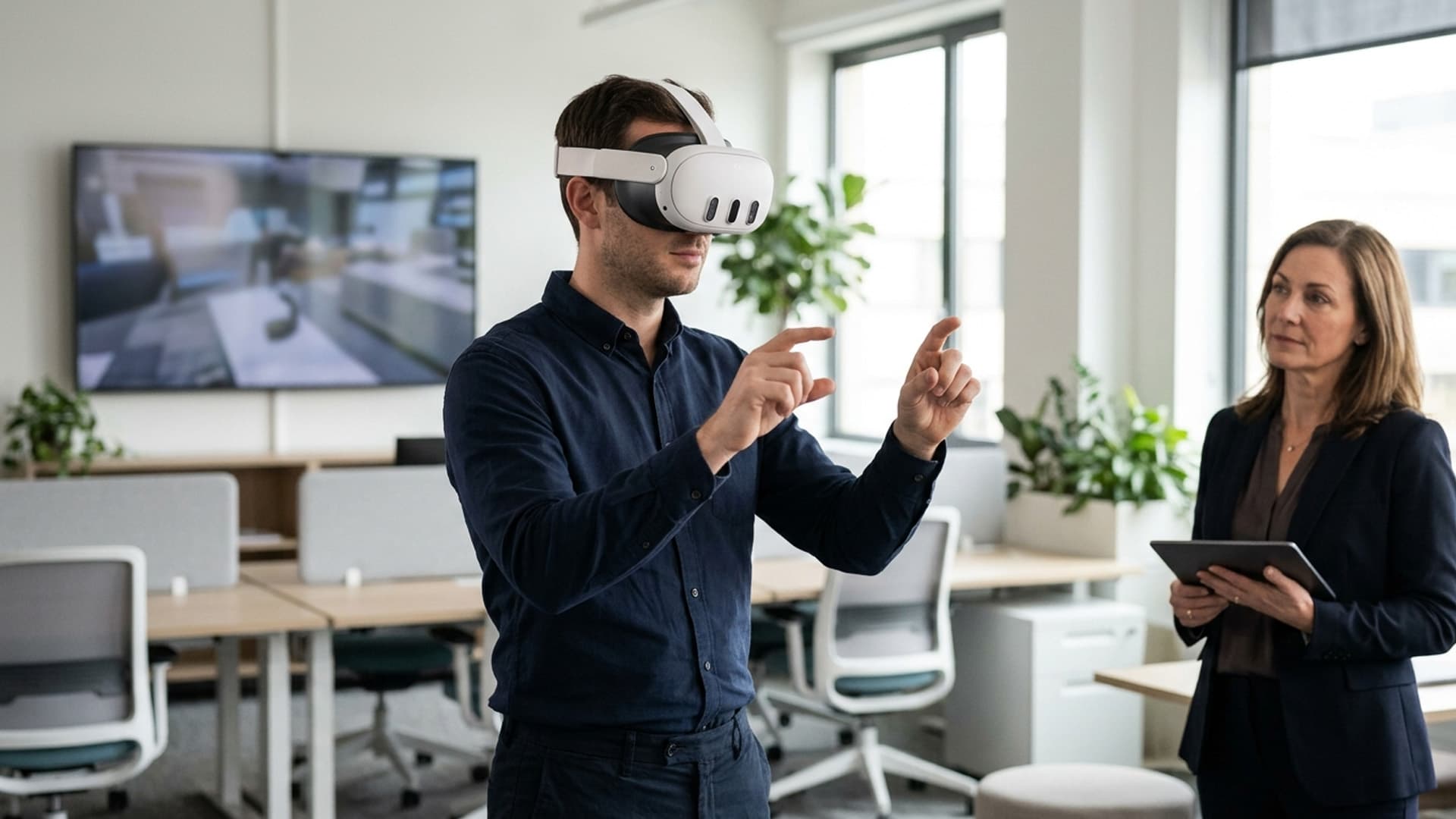
Custom VR Software Makes Practice More Interactive
Custom VR applications can let people practise decisions inside a scenario rather than only hear about them. The design should make each interaction purposeful and clear.

Adaptive VR Training: Using Physiological Feedback to Improve Learning & Safety
Revolutionize training with adaptive VR—utilizing heart rate, gaze, and stress indicators to personalize learning and enhance safety.