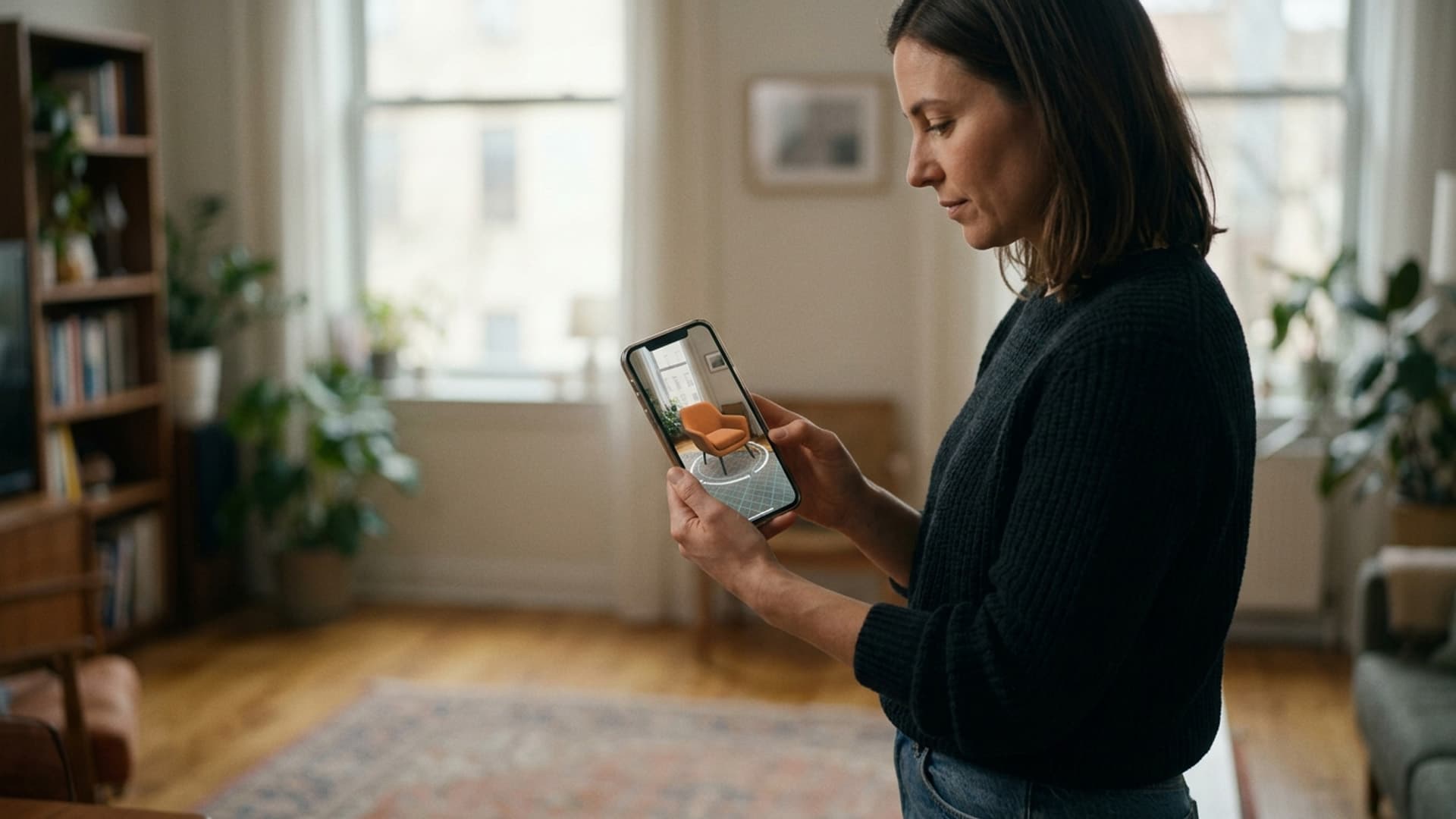
Realities offers augmented reality development for applications that place digital content into real-world interactions. The company’s site describes AR as a way to support customer experiences and operational capabilities, with possible applications across products, training and brand activities. The right format depends on what a person needs to see or do in the physical setting.
Put the use case before the overlay
A product experience may let someone examine a digital model through a phone. A training application may present instructions near a relevant object. A branded event may use AR to add a layer to a physical display. Those examples are use cases described by the service pages, not project results.
The brief should name the audience, the device and the task. A browser-based experience can reduce installation steps in some cases; a native application may support other functions. Consider lighting, connectivity, device availability and the person’s surroundings. Explain camera permissions and provide an alternative for users who cannot access the AR interaction.
Build digital content for real devices
3D objects need suitable scale, materials and performance. Product information should match approved specifications; if a visual is conceptual or approximate, say so. Test placement and tracking on the devices that matter to the audience. Do not imply measurement precision unless the application has been designed and validated for that use.
Usability includes how people enter and leave the experience. Instructions should be brief, controls should be visible and essential information should not appear only as an overlay. If the application collects analytics, explain the purpose and limit collection to what the project requires.
AR within the Realities service portfolio
Realities offers AR alongside VR game development, mixed reality applications and metaverse work. Some projects may reuse 3D assets, but each delivery route needs its own design, device testing and content review.
An AR brief should also define who will maintain the experience after release. Product details change, operating systems update and campaign content expires. Ownership and update planning are part of the production, not an afterthought.
Wearable displays change how people encounter information
Smart glasses place digital content within a person's field of view while they remain in a real environment. That can make information available at a useful moment, but it also means content competes with the world around the wearer. A message that works on a phone screen may be intrusive, unreadable or distracting when it appears beside a conversation or physical task.
The first question is not what can be displayed. It is what the person needs to know at that moment and whether a wearable view is the right way to provide it. A short cue can support navigation, identify an object or remind someone of a step. A long article, dashboard or promotional message may be better delivered on another device where the person can give it full attention.
Glanceable content has to be understood quickly and safely. The wearer should be able to notice it, interpret it and return attention to the physical environment without searching through layers of interface. This requires restraint in wording, timing and visual design.
Design for a brief glance
Wearable content should prioritise one idea at a time. Short phrases, familiar labels and clear hierarchy are easier to read than dense text. If more detail is available, the user can choose to open it or consult a companion device. The default view should not require sustained reading while the person is moving or speaking with someone.
Text size and placement need testing on the actual display. A layout that looks large in a design tool may occupy only a small part of the user's view. Contrast should remain adequate across different backgrounds, and colour should not be the only signal. If content appears over a changing scene, a subtle panel or outline can improve legibility without obscuring the environment.
The interface should respect the natural field of view. Constantly placing content in the centre can block the user's attention. Anchored information may work better near the relevant object, while a brief notification can appear in a consistent peripheral area. Each choice should be tested with movement and realistic tasks.
Timing is part of meaning
Even concise information can become distracting if it appears at the wrong moment. A prompt may be helpful before a task begins and unsafe while a person is crossing a space or handling equipment. The system should understand when to display, defer or suppress content based on the task and environment.
Notifications need prioritisation. A critical safety alert should not look like a routine reminder. The user should know whether an item requires action, can be dismissed or will disappear automatically. Repeated alerts can create fatigue, causing people to ignore the messages that matter.
The experience should allow the wearer to control interruptions. Simple settings for quiet periods, notification levels or display duration can preserve trust. When users cannot control the system, the content policy should be especially conservative.
Avoid competing with conversation
Smart glasses may be used while people collaborate. A display can provide a shared reference or support a task, but it can also make the wearer appear distracted or reduce eye contact. The design should consider how visible the content is to others and whether a conversation partner needs to know when information is being displayed.
Audio prompts can help when visual content would be distracting, but spoken output may interrupt conversation or reveal information publicly. The user should have a private, adjustable audio option where appropriate. Captions or visual alternatives can support people who cannot use audio.
In a group setting, shared content may be more useful than a private overlay. A companion screen or common display can help colleagues discuss the same information. The project should decide whether the goal is individual assistance or shared understanding.
Privacy and social expectations
Wearable cameras and sensors raise questions even when the application does not record video. People nearby may not know whether capture is active. The interface should make recording status clear, and the organisation should explain what data is collected and how it is used. A visible indicator and a simple privacy policy can help, but the product should also avoid capturing unnecessary information.
Content displayed in public can expose confidential details to bystanders. A worker may receive customer information, health data or internal instructions in a visible overlay. The system should consider who can see the display and provide a private mode or alternative device when information is sensitive.
Data collection should be limited to the use case. Gaze, movement and interaction signals can reveal behaviour. Do not collect them merely because the hardware makes it possible. If analytics are needed, define the purpose, access and retention before deployment.
Accessibility and comfort
Wearable displays can support hands-free access, but they are not automatically accessible. Users may have different vision, hearing, mobility or sensory needs. Adjustable text, clear contrast, captions and alternate controls can make the experience more inclusive. A phone or desktop route should remain available when the wearable is unsuitable.
Comfort includes weight, fit, battery life and the cognitive load of reading while moving. A user should be able to hide or dismiss content easily. Avoid animation that flashes or moves unexpectedly. Test the experience with people who represent the intended audience and observe where they look, pause or feel strained.
Content governance and maintenance
Information shown in glasses can become outdated. The organisation should identify who owns the content, how often it is reviewed and how incorrect information is reported. If the display supports a procedure, the source should match current policy. A wearable interface can make an outdated instruction feel authoritative because it appears at the moment of action.
The delivery system should support versioning and quick corrections. Changes should be tested on the actual device and in the environment where they will appear. A small typo may be harmless in a marketing preview but consequential in a technical instruction.
Evaluate attention without over-collecting
Testing should ask whether users noticed the right information, completed the task and remained aware of their surroundings. A high interaction count does not mean the content was useful; it may indicate repeated attempts to dismiss a prompt. Observations and short interviews can reveal whether timing and wording feel natural.
If gaze or usage analytics are used, make them proportionate and transparent. The project may need aggregate measures rather than individual profiles. Evaluation should improve the experience without turning wearable technology into a hidden monitoring tool.
Content designed for the wearer
Realities develops immersive and wearable experiences that connect digital content with physical contexts. A smart-glasses project should begin with the user's task, environment and attention limits. The team can then decide which information belongs in a glance, what should remain on another screen and how the wearer controls interruptions.
Good wearable content is not a smaller website placed in front of someone's eyes. It is selective, timely and respectful of the real world. When the content is easy to understand and easy to dismiss, smart glasses can support a task without taking over the wearer's attention.
Related Vectors
Full HubMore From Augmented Reality (AR)
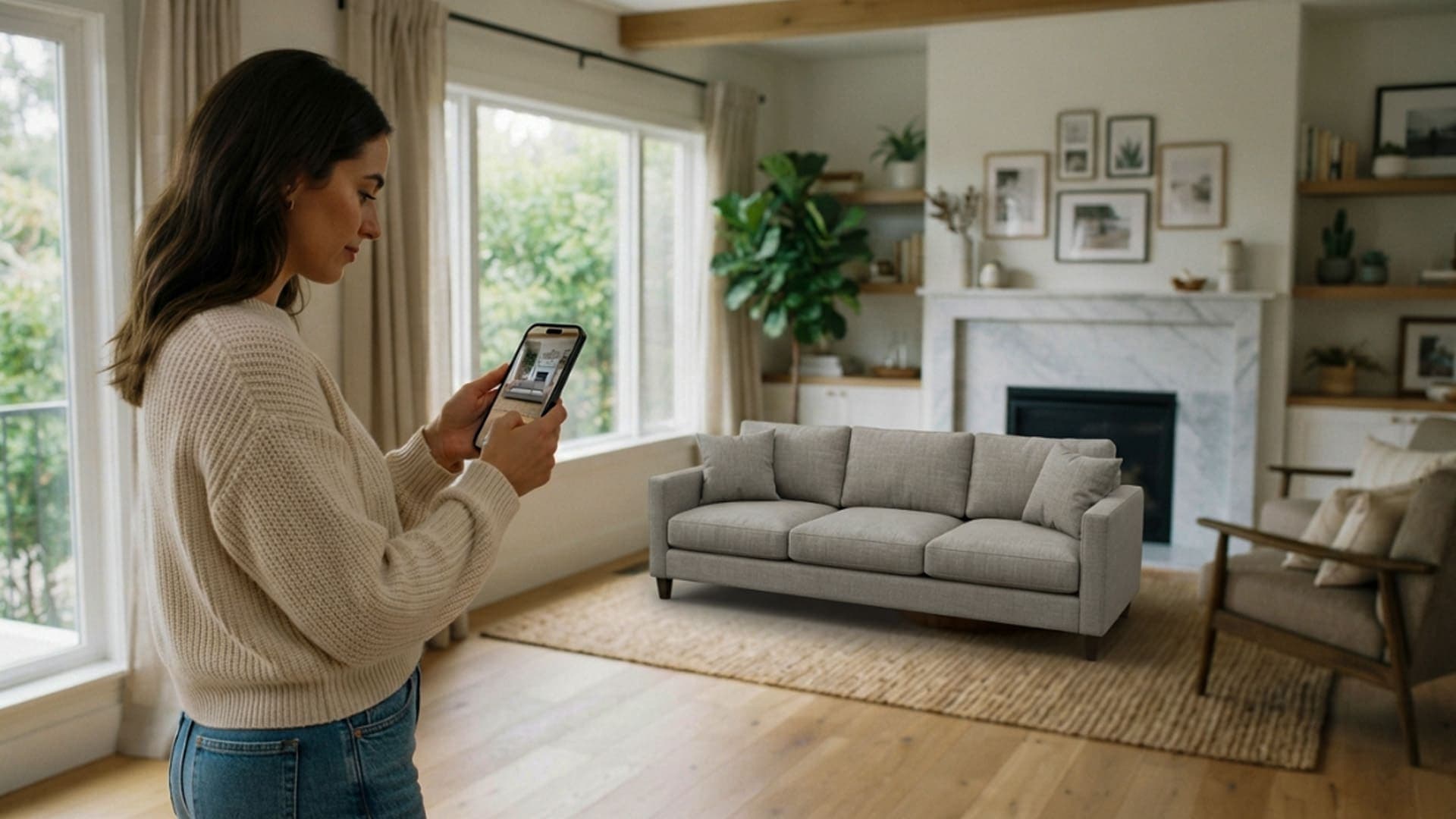
Augmented Reality in 2026: Making Digital Information Useful in the Real World
Augmented reality is helping businesses bring useful digital information into real environments, supporting product discovery, training, field work and more confident customer decisions.
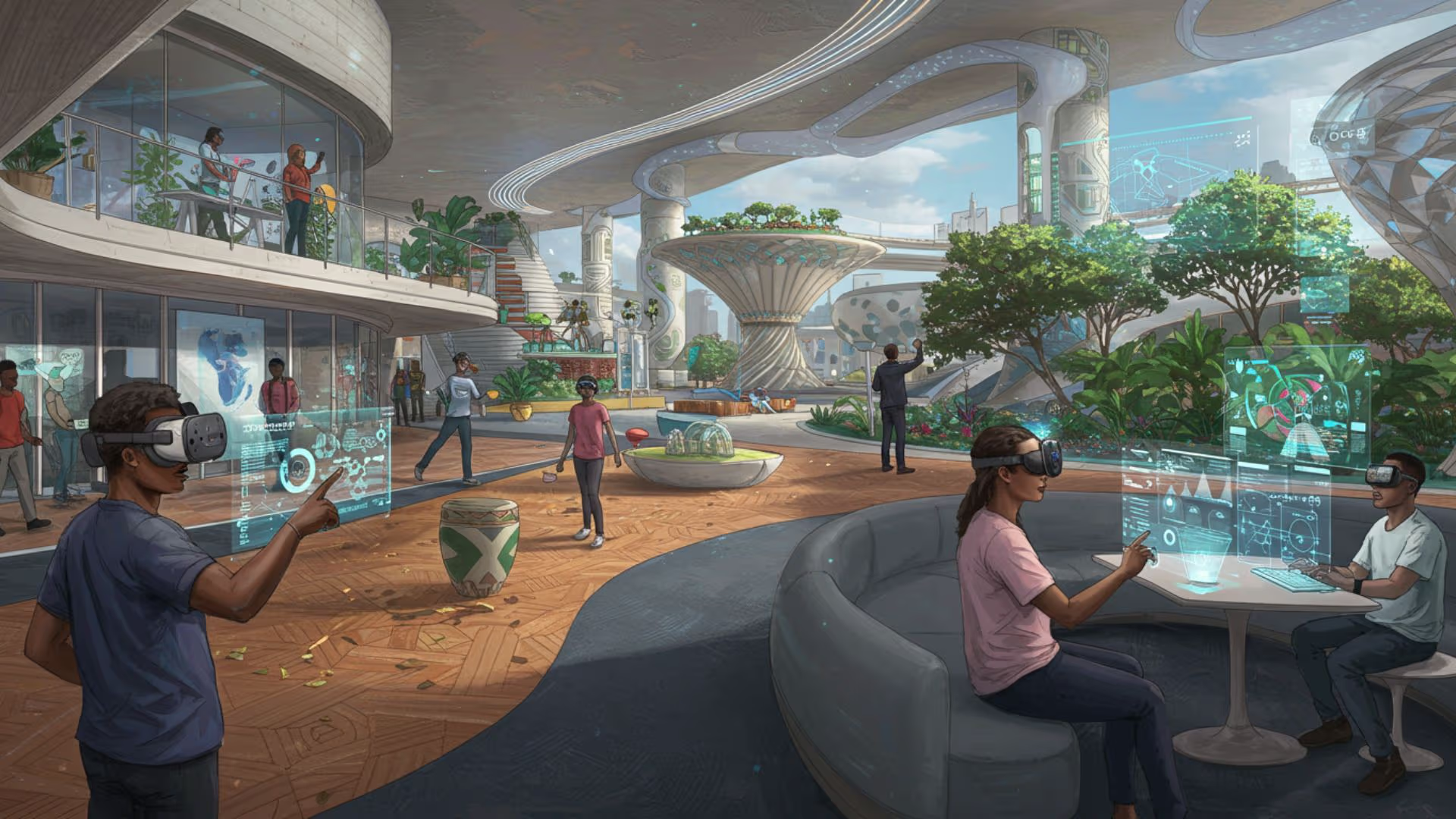
The Future of Realities: Exploring Virtual, Augmented, and Mixed Realities in 2025
Explore the evolution of virtual, augmented, and mixed realities in 2025, and their impact on various industries and daily life.
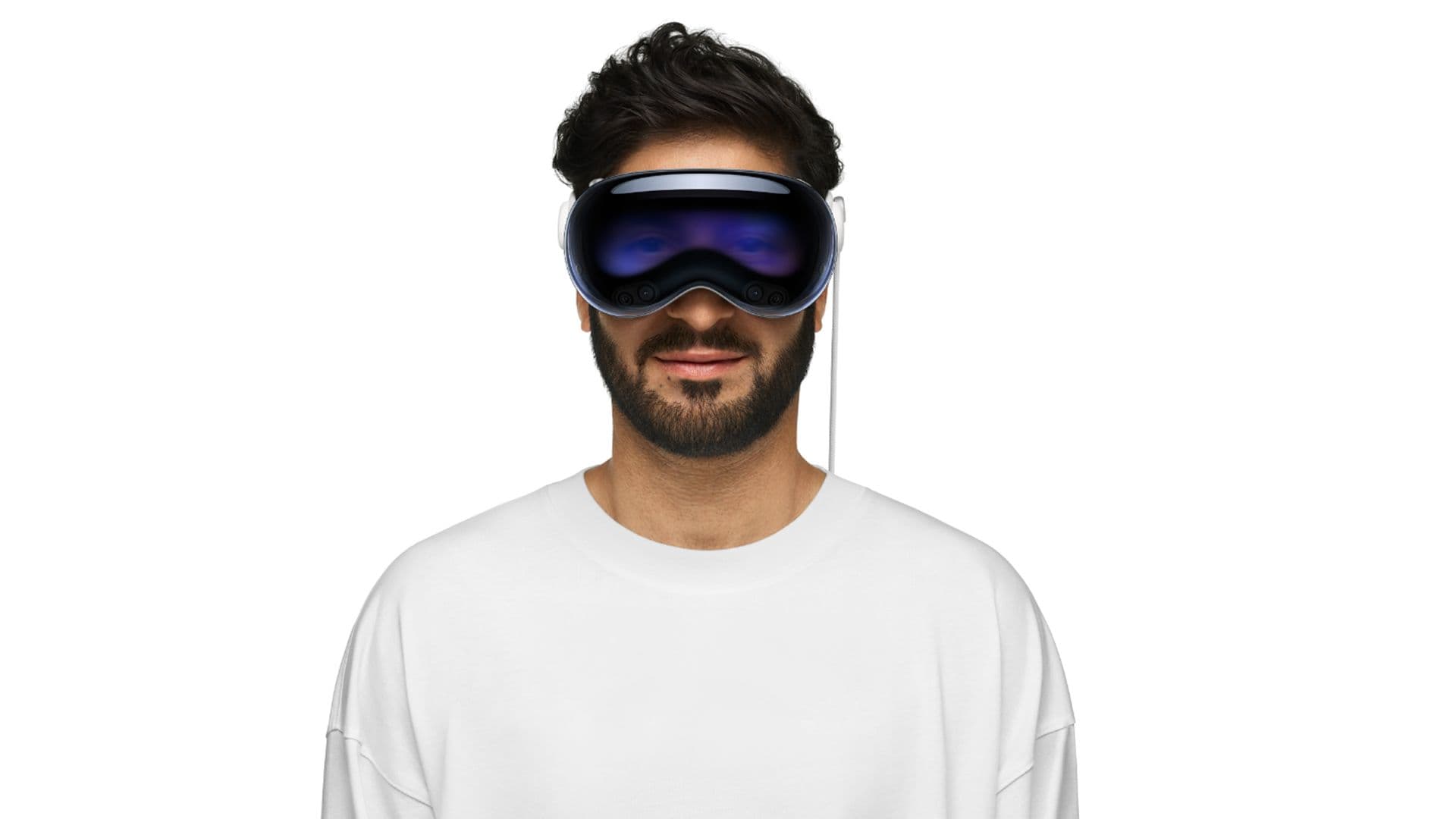
Apple Vision Pro Launches in the UAE and South Korea: A New Era of Mixed Reality
Apple's Vision Pro launches in UAE and South Korea, introducing a new era of mixed reality with advanced features and immersive experiences.