Mixed Reality Development: What a Custom Business Application Can Do
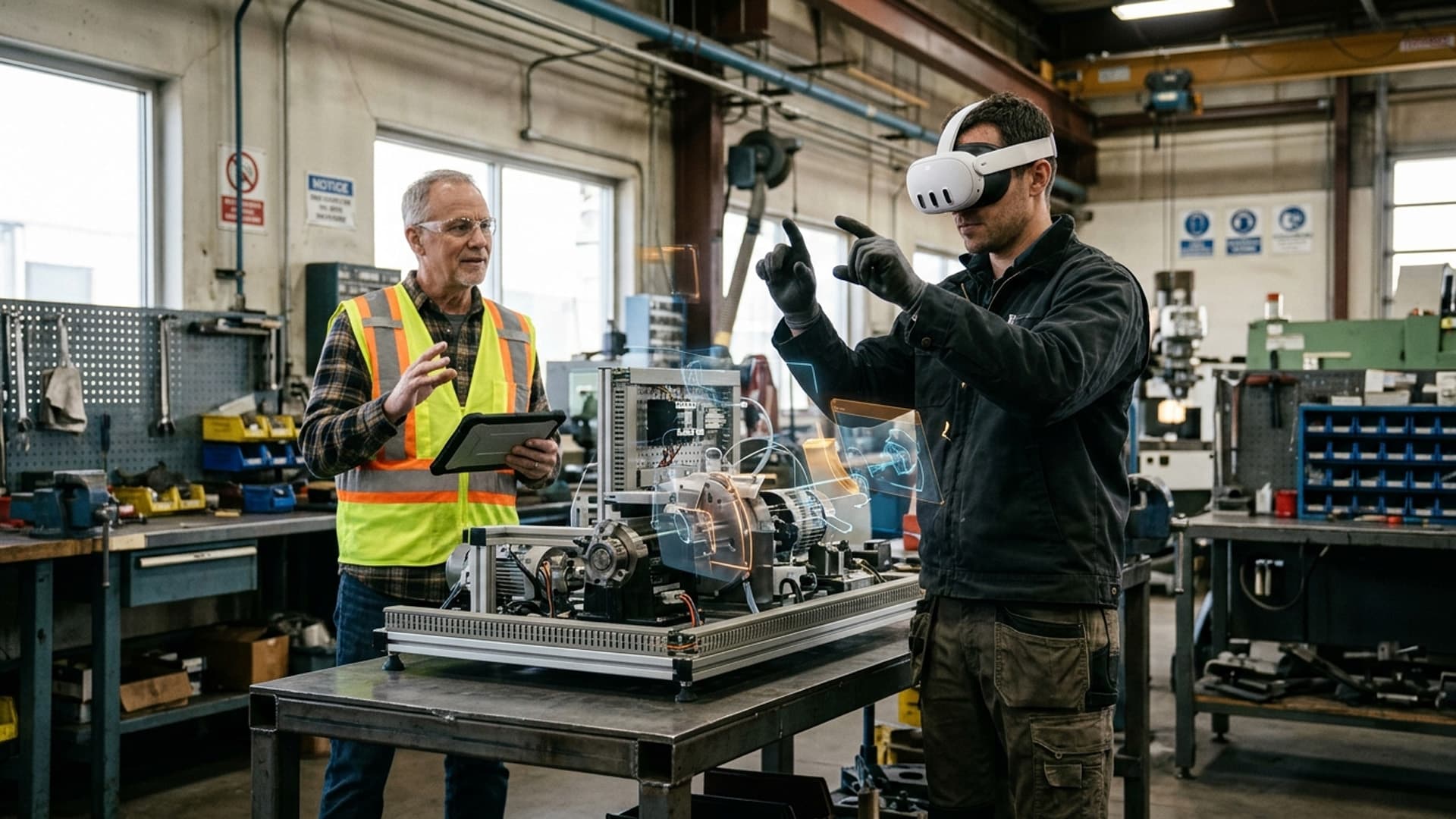
A technician looks at a physical machine while digital instructions appear in the right place. A learner handles a virtual component on a real workbench. An event visitor explores a product that is too large to bring into the venue. Each is a different use of mixed reality (MR), but the business question is the same: does placing interactive digital content in a real environment help someone make a better decision or perform a task?
Custom mixed reality development turns that question into a designed experience. It combines software, 3D content, interaction and a suitable device so that digital material responds to the user's surroundings. The result can be a training exercise, a product demonstration, an educational activity or another focused tool. The important features are not simply what the headset can display, but how reliably the experience supports the people using it.
What makes mixed reality useful?
Mixed reality is often described as part of a spectrum of immersive technologies. Virtual reality generally replaces the view of the surroundings with a simulated environment. Augmented reality adds digital content to a view of the real world. Mixed reality commonly describes experiences in which digital content is positioned in relation to physical space and can respond to it. Definitions vary across the industry, so a project brief should describe the desired behaviour instead of relying on a label alone.
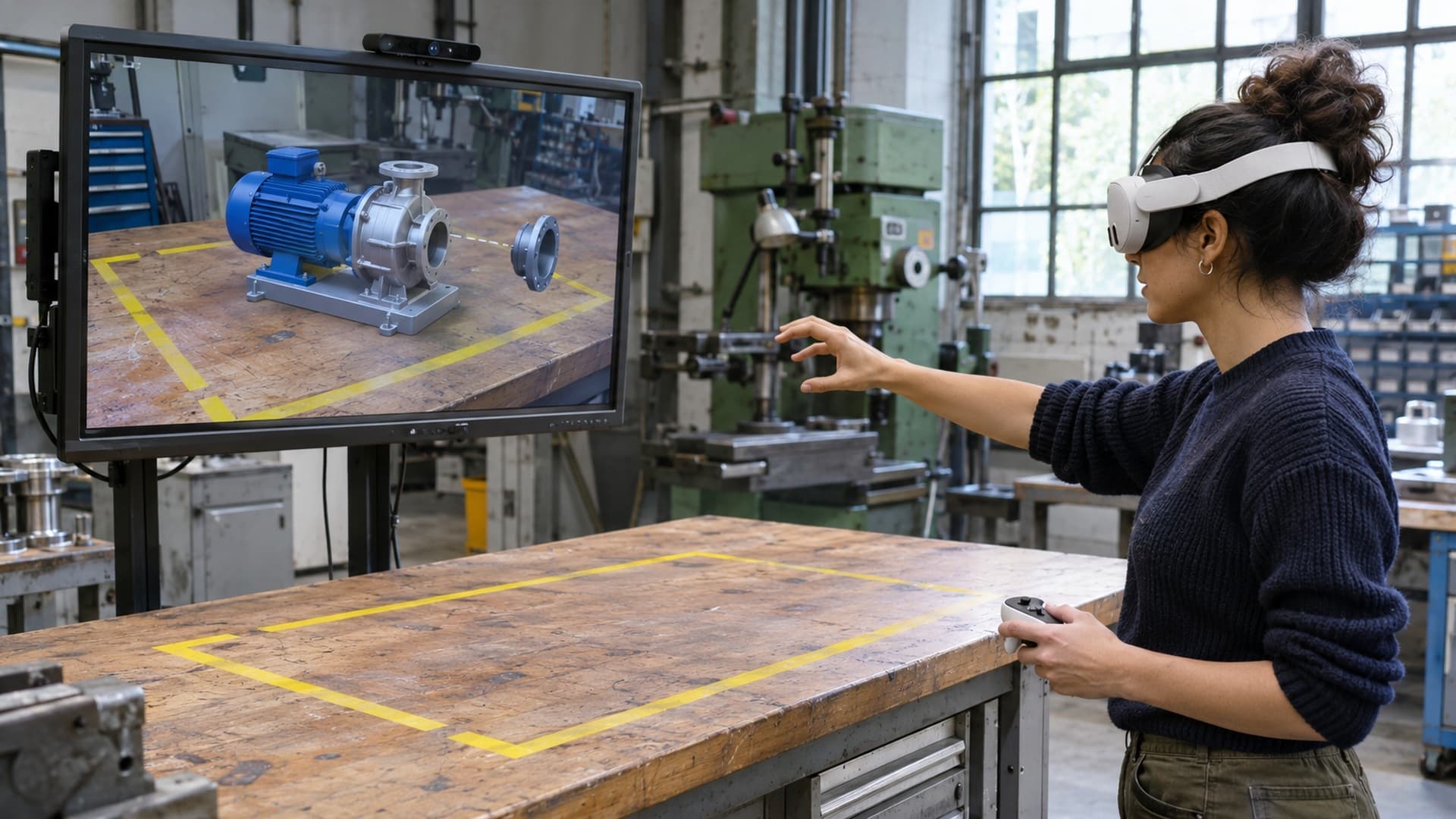
Imagine placing a digital model of an assembly on a real table. A useful application might allow someone to walk around it, separate its components and inspect how they fit together. The position and scale of the model, the way it responds to input and its relationship to the table all contribute to whether the demonstration makes sense.
The same principle applies in training. A virtual component might be positioned beside real equipment while a learner practises identifying parts or following a sequence. This is an illustrative exercise, not evidence that a particular application has improved training outcomes. The learning design, technical quality and evaluation all affect the result.
Spatial placement and environmental understanding
One of the defining features of many MR applications is the ability to place content relative to a real location. Depending on the device and software, the application may recognise surfaces, track movement or use a chosen reference point to position a digital object. A product model can then appear to remain on a table as a visitor changes position.
Placement should be tested where the experience will actually be used. Lighting, reflective surfaces, moving people and limited physical space can influence tracking or make a scene difficult to understand. The project should also consider what happens when tracking is lost, a table is moved or the user needs to reset the experience. A clear recovery action can be as important as an impressive first view.
Spatial understanding has limits. A virtual object that appears fixed in place is not necessarily measured with engineering accuracy. If a decision depends on exact dimensions, ask how scale and alignment will be verified and whether the chosen equipment is suitable. Treat an indicative visualisation differently from a measurement instrument.
Interaction designed for the task
A custom MR application can use hand gestures, controllers, gaze, voice or a combination, depending on the device and the audience. Each option has trade-offs. Hand interaction can feel direct for manipulating a large model, but small controls may be difficult to select consistently. Controllers can provide tactile buttons, though first-time users may need an introduction. Voice can be useful when hands are occupied, but background noise and privacy requirements matter.
The interaction should reflect the action being taught or the decision being made. In a product demonstration, rotating a model and opening a component may be more useful than navigating a long menu. In a training activity, selecting the next step, receiving feedback and repeating a sequence may matter more than elaborate visual effects.
Feedback is essential. Users need to know when an object has been selected, whether an action succeeded and how to undo a mistake. Sound, motion and visual changes can help, provided the experience does not depend on a single signal that some users cannot perceive. Offer a manageable introduction, allow time to learn the controls and test with people who have not seen the application before.
Product visualisation and customer engagement
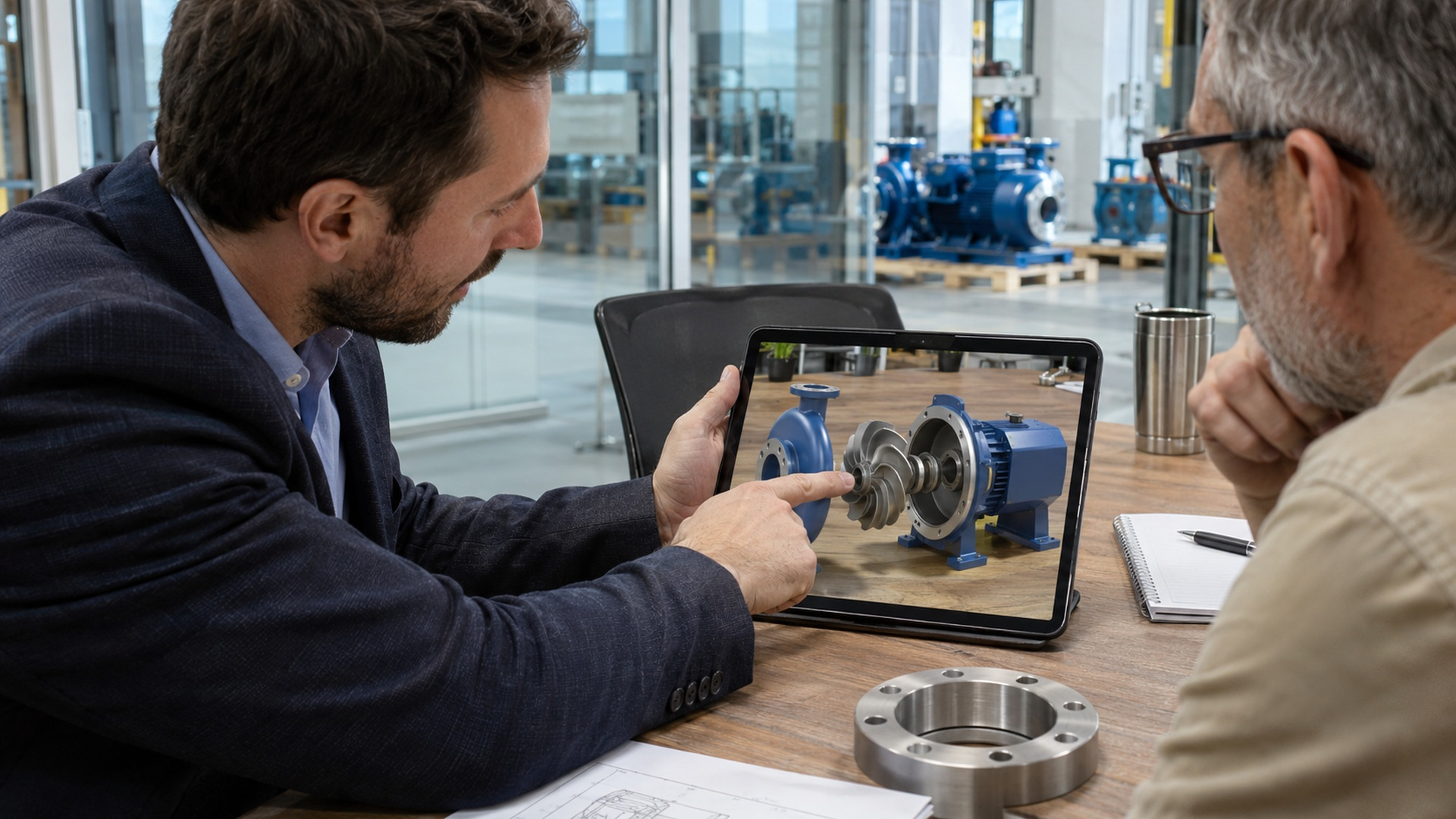
Physical demonstrations are powerful, but size, transport and access can make them difficult. An MR product visualisation can present a digital representation at a useful scale, reveal selected internal components and let a customer explore options in context. A sales team discussing industrial equipment, for example, could show a simplified assembly on a meeting table and open a component to explain its role.
The model needs to be accurate enough for the conversation it supports. A marketing visualisation may prioritise recognisable form and material appearance, while a technical explanation may need approved component relationships and version control. Existing CAD files can be a starting point, but they often require preparation before they perform well in an interactive application. The team should agree which details are essential, which can be simplified and who approves the final representation.
An MR demonstration should also have a fallback. Not every visitor will want to wear a headset, and an event team may need to serve more people than devices can accommodate. A screen-based version or facilitated demonstration can broaden access while keeping the conversation moving. Compare the experience with the existing sales process: what question should it answer, and how will the team capture a useful follow-up?
Training and educational experiences
A training application can provide a repeatable environment in which learners inspect an object, practise a sequence and receive feedback. MR may be particularly useful when a physical setting gives the lesson context but some components are unavailable, too costly to reproduce or unsuitable for a particular training exercise.
Start with a learning outcome, not a list of visual effects. If the goal is to identify parts, the application should make those parts distinguishable and provide meaningful feedback. If the goal is to follow a procedure, the sequence, decision points and consequences need review by a qualified subject expert. For high-risk work, an immersive simulation should complement an approved training and safety programme. It should not be presented as proof of competence without an appropriate assessment.
In education, a three-dimensional model can make spatial relationships easier to explore than a static diagram. An educator might let students rotate a model, isolate a layer and discuss how the parts connect. The application still needs a lesson plan, accessible alternatives and an appropriate method of assessment. More interaction does not automatically mean better learning.
Remote assistance and operational context
Some MR systems can support a conversation between a person on site and a remote colleague. Depending on the platform, the remote participant may see a shared camera view and communicate through audio or annotations. The potential value is access to relevant expertise in the context of a real task. Whether that saves time or reduces travel depends on the workflow, connectivity and the quality of the assistance.
A practical design must account for permissions, confidential information and the limitations of a camera view. The remote expert may not see hazards outside the frame or understand the full environment. Organisations should establish when remote advice is appropriate, what information may be shared and when work should stop for an in-person assessment. Device policies and suitable protective equipment remain part of the workplace process.
Choosing hardware and delivery
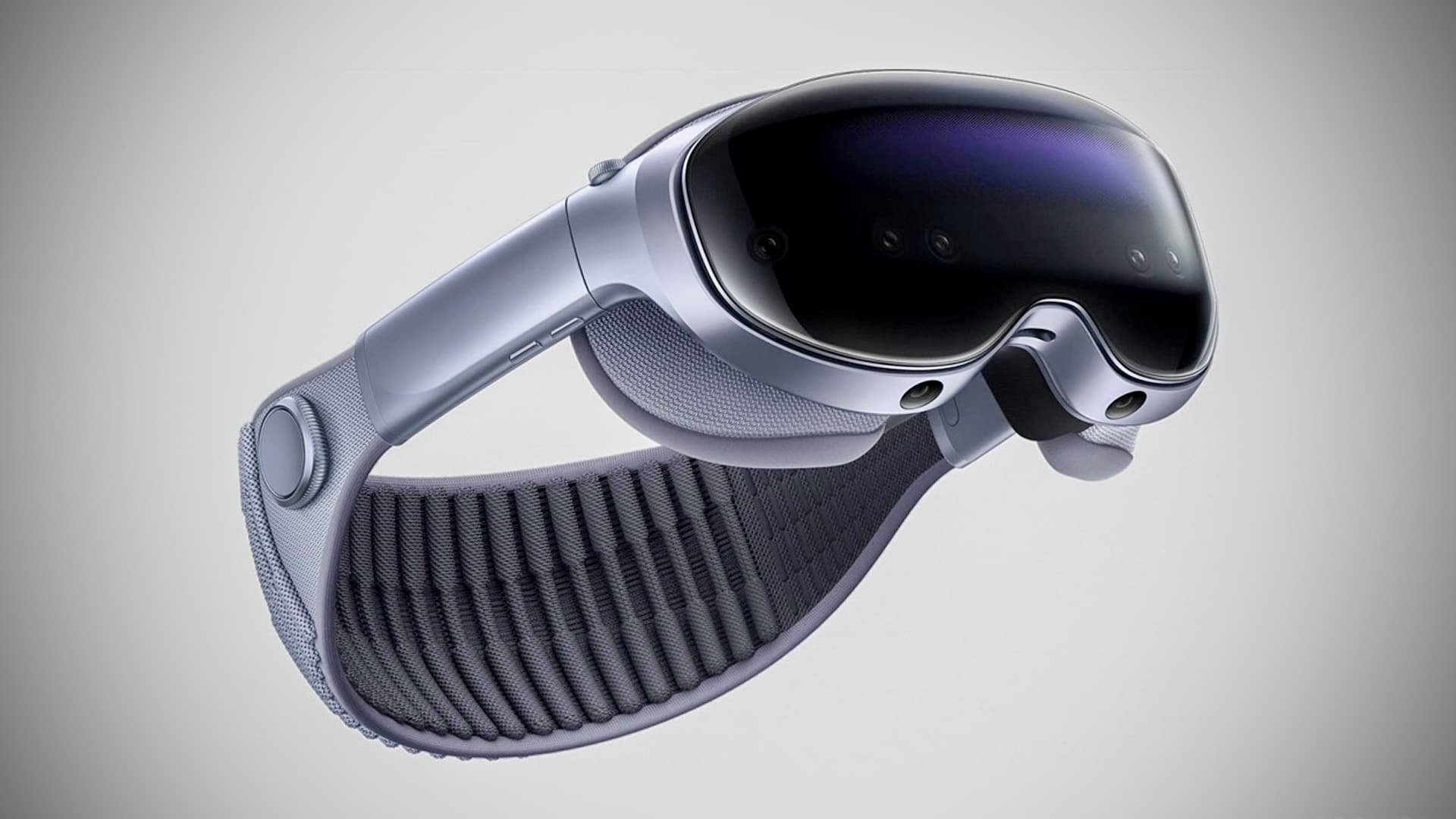
The device choice follows the use case. A standalone headset may suit a portable facilitated demonstration, while another device may better support a particular industrial workflow or visual requirement. Consider availability, fit, comfort, battery life, cleaning, accessibility, management of shared devices and the physical area needed to use the experience safely. A mobile phone or tablet may be a more practical choice if wide distribution matters more than hands-free interaction.
Software choices matter too. The OpenXR standard provides a common interface for XR applications and devices, but support for a standard does not guarantee that every feature behaves identically on every headset. Device-specific features, interaction methods, performance and store or deployment policies still require testing. Agree which hardware and software versions are in scope and who will maintain them after launch.
For shared headsets, consider setup and supervision. Staff need a way to start the application, adjust fit, clean contact surfaces according to the manufacturer's instructions and assist first-time users. In an event setting, also plan queues, charging, secure storage and a clear boundary around the activity. These operational details can determine whether an otherwise strong application is usable throughout the day.
From brief to prototype
A useful development brief identifies the audience, the problem, the setting and the action users should take. It should describe the equipment and content available, the devices under consideration, the desired deployment date and any constraints on data or connectivity. Where accuracy matters, identify the source of approved dimensions, diagrams or technical instructions.
A prototype can test the highest-risk assumption before the full experience is built. For a product demonstration, that might be whether the model remains understandable at table scale. For training, it might be whether a learner can identify the right component and receive clear feedback. Give representative users a task without coaching them through every action, then observe where they hesitate or misunderstand the experience.
Testing should cover the real operating conditions as well as the ideal demonstration. Check lighting, noise, available space, network interruptions and user onboarding. Agree what a successful prototype must demonstrate, what evidence will be collected and what decisions will follow. A prototype is a learning tool; its results may justify refinement, a narrower scope or a different technology choice.
Data, accessibility and ongoing support
An immersive application may process camera images, account information, voice or other data depending on its features. Collect only what the experience needs, explain it clearly and agree where information is processed and stored. Review supplier arrangements and seek advice about applicable South African data protection obligations. The UK Information Commissioner's research on immersive virtual worlds is a useful general discussion of emerging privacy considerations, although it is not South African legal guidance.
Accessibility should be considered during design rather than treated as a final checklist. Participants may differ in vision, hearing, mobility, comfort, language and familiarity with immersive devices. Consider adjustable text, clear contrast, alternatives to precise gestures, captions where relevant and a way to participate without a headset. Test with people representative of the intended audience and address barriers revealed by their experience.
After launch, someone must own the application. Plan for content updates, device operating-system changes, support requests, backups and security maintenance. Ask for a clear handover covering source assets, access, licences, dependencies and the process for correcting issues. If an external system supplies product information or user data, define who owns that integration and how changes will be managed.
Deciding whether MR is the right investment
The strongest starting point is a problem where spatial context and interaction add something meaningful. Compare MR with a physical demonstration, video, mobile app or conventional 3D viewer. Consider the cost of creating and maintaining content, the number of users, the setting and the effort required to operate the experience. A simpler medium can be the better choice when it answers the same question reliably.
Set a modest evaluation plan before committing to a full rollout. Useful measures might include whether users can complete the intended task, where they require assistance, how long setup takes and whether the experience answers the questions the team intended to address. For training, work with educators or assessors to choose measures that reflect the learning objective. Avoid assuming that novelty or time spent in a headset proves business value.
Explore mixed reality development or contact Realities to discuss the outcome, environment and users for a potential project. A focused conversation about those requirements can establish whether an MR prototype is the right next step.