AR Development in 2026: What New Platform Capabilities Mean for Business
Augmented reality is becoming a more practical development choice as software tools improve their ability to understand a scene, position digital objects and support a wider range of devices. For businesses, the important story is not that every customer will soon wear smart glasses. It is that a growing set of tools can place useful digital information into the context where a customer, employee or learner needs it.
A product preview on a phone, a learning activity built around a 3D model and a location-based experience all depend on different combinations of tracking, content and device capability. The current direction of AR development makes these experiences more capable, but it also makes platform selection and testing more important. A feature available in a developer toolkit is not automatically available on every user's device or suitable for every environment.
From a novelty overlay to a useful interaction
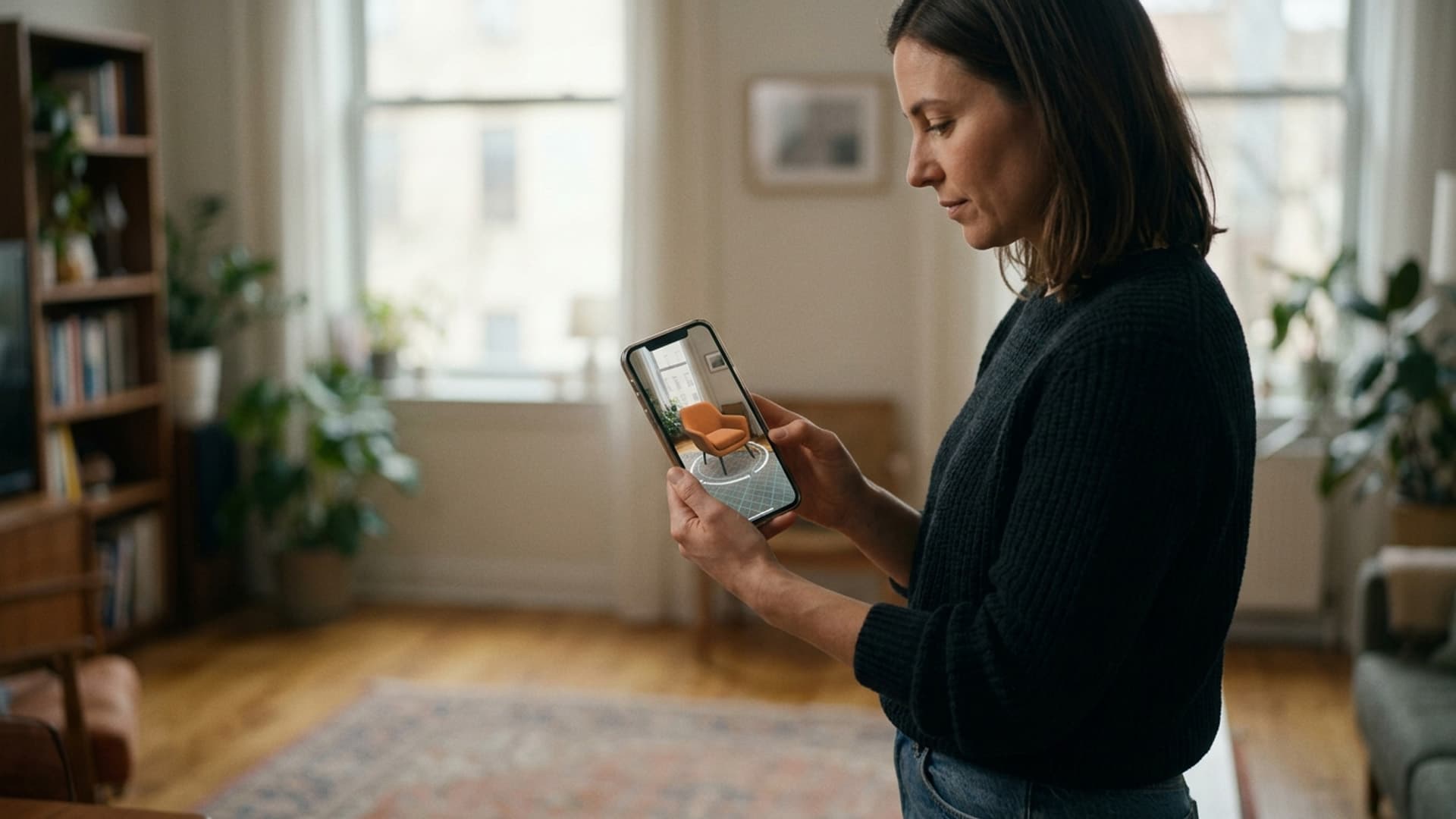
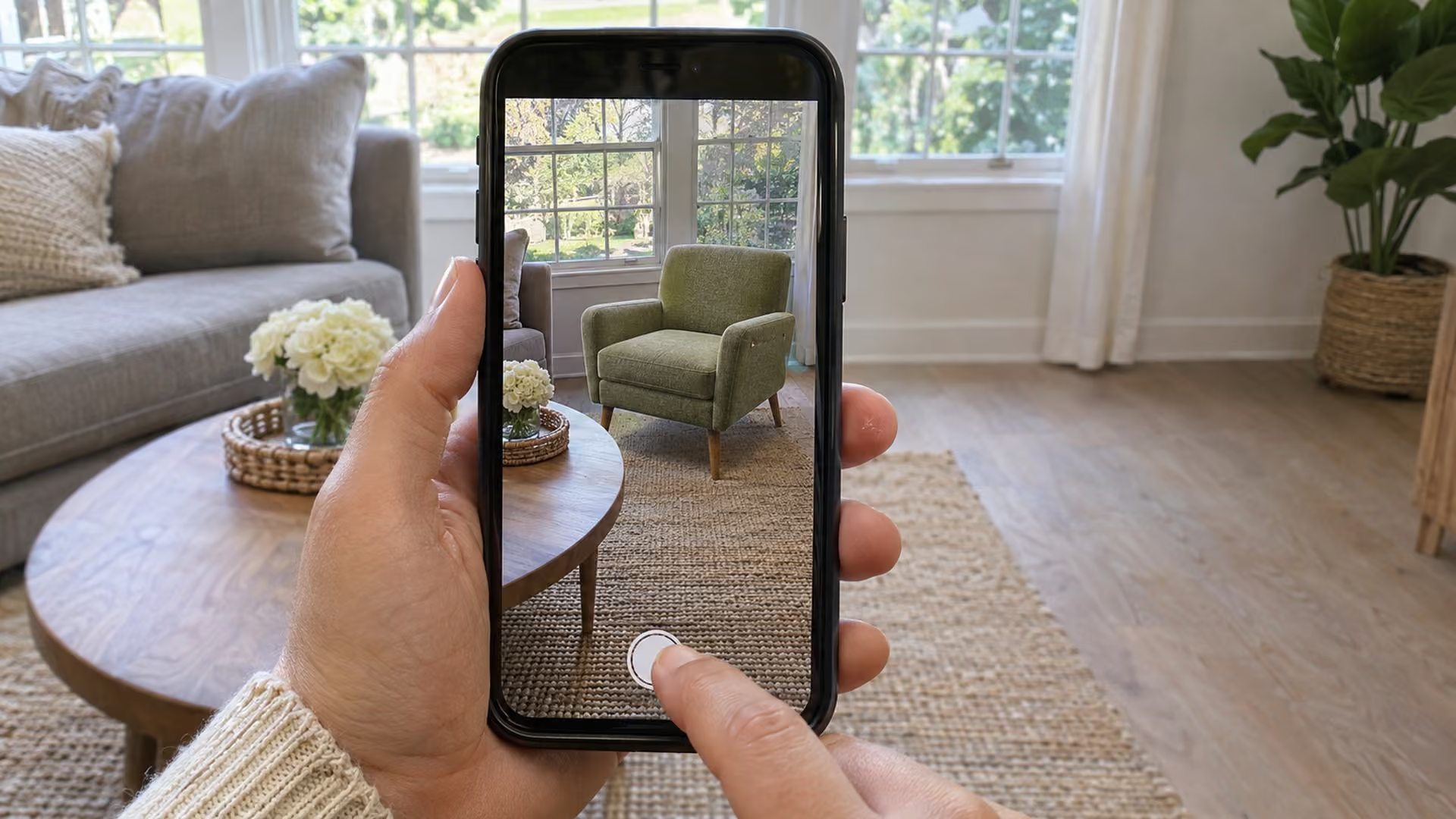
AR combines a view of the physical world with digital content. On a phone, the camera view might show a virtual object positioned on a real floor. On a compatible headset, digital content may appear in relation to the user's surroundings. In both cases, the experience needs to maintain a believable relationship between the digital object and the physical scene as the user moves.
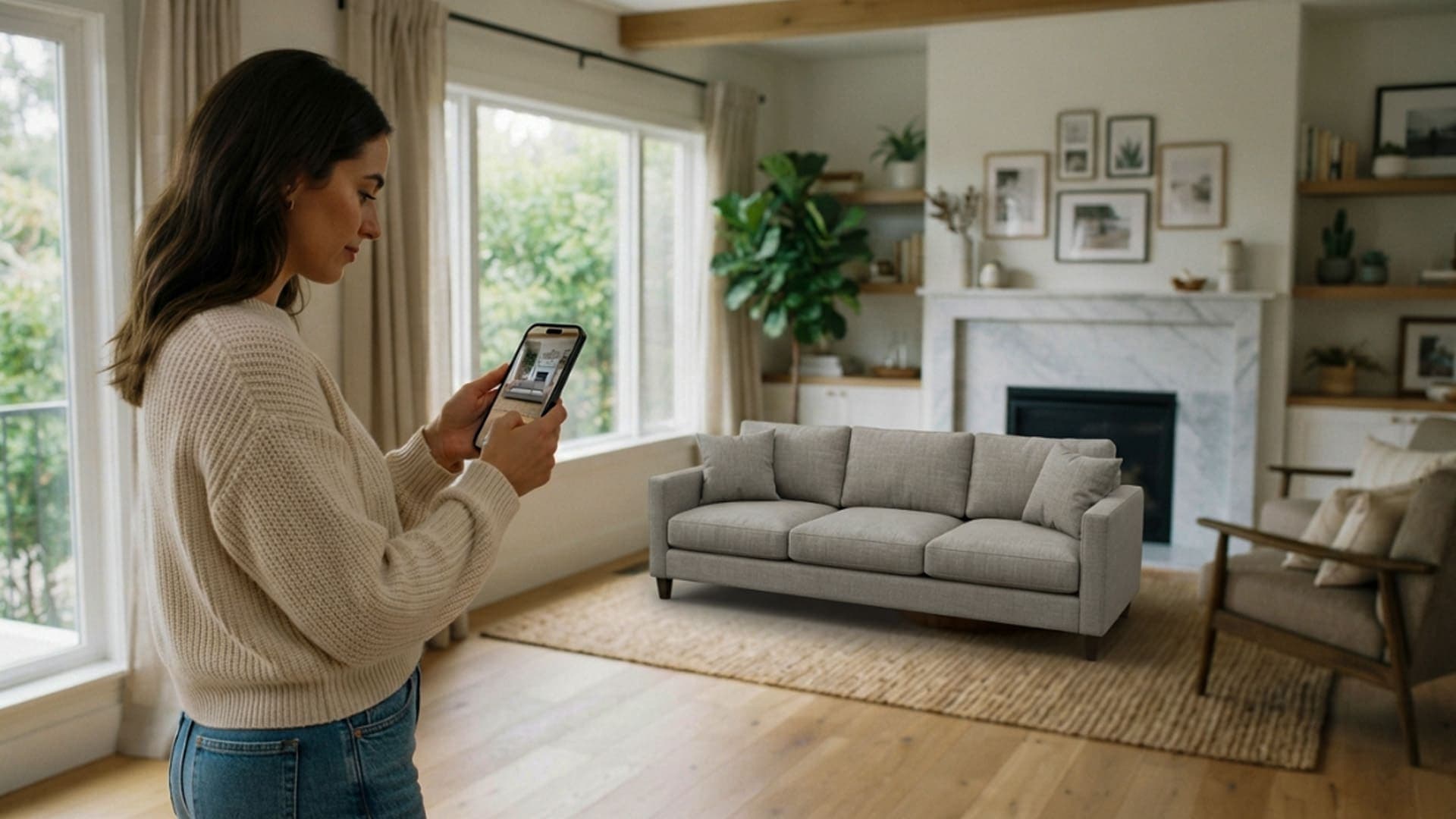
That relationship matters because business value is usually tied to a decision or action. A furniture preview should help someone consider placement and scale. A training application should make the next step understandable and provide feedback. A visitor experience should help people find or interpret something relevant to the location. A floating animation with no connection to the user's task may attract attention, but attention alone does not prove value.
Today's development discussions increasingly focus on the complete workflow: how people open the experience, whether their device supports it, how the content is maintained and what happens if tracking fails. For organisations planning an AR project in South Africa, these questions are as important as the visual quality of the first demonstration.
Better scene understanding, with practical limits
AR software estimates the position of a device and identifies features in the surrounding scene. This allows an application to place a digital object on a surface or respond as the user moves. Some tools also use depth information so that virtual content can appear behind a real object rather than unrealistically drawing in front of everything.
Google's ARCore Depth documentation explains that depth can support more convincing interactions and occlusion, where real objects obscure virtual ones. It also notes that the Depth API is supported only on suitable devices and needs to be enabled. A business should therefore ask what the application will do on a device without the relevant capability, not assume every user will see the same effect.
The setting remains significant. Poor lighting, reflective surfaces, repetitive textures or a crowded space may affect the experience. A retail preview tested in a controlled studio should also be tried in the types of rooms customers actually use. If the model drifts or cannot find a surface, users need a simple way to restart, choose another view or continue without AR.
Depth and tracking are not the same as certified measurement. A convincing visual alignment does not establish that a product will fit through a doorway or comply with a technical specification. If an application informs a purchase or installation decision, explain the limits and retain a separate verification process for critical dimensions.
Location-based AR is more precise in some settings
Location-based AR aims to connect digital content with places beyond a small tabletop or room. Google's ARCore Geospatial documentation describes tools that combine location information with visual positioning for supported areas and devices. Its Geospatial Depth documentation describes enhancements under specified conditions, including supported visual positioning coverage.
A visitor experience could use location to help position interpretive content near a landmark. A campus application could direct a user towards a relevant building or activity. These are possible design directions, not claims that a particular location or device is supported. Before committing to a location-based concept, check coverage and test on site at the times and conditions when people are likely to use it.
Outdoor deployments introduce additional questions. GPS availability, mobile connectivity, sunlight, moving vehicles and physical safety can affect usability. Users should not be encouraged to watch a screen while crossing a road or entering a restricted area. Content may also become outdated when construction changes a site. Assign responsibility for reviewing the physical location and updating or removing content.
The most useful early test is often small: can a representative device establish the location reliably enough for the intended interaction? If not, a marker, a simpler map or an alternative content route may provide a better experience. Avoid promising a seamless city-wide layer before testing individual locations.
The web is an important access route
A web link or QR code can reduce the effort required to reach an experience, especially for a short campaign or event. Web-based AR does not mean that every browser supports every AR feature. Capabilities vary by browser, operating system, device and the implementation chosen by the developer.
The W3C WebXR Device API describes a web interface for working with XR devices. The WebXR AR module extends that work for augmented reality. These specifications are useful evidence of industry work on web-based XR; they are not a guarantee that a particular phone and browser combination will run a particular experience.
For a campaign, define the minimum supported device and browser combinations, then test them with real devices. Provide a clear fallback, such as a conventional interactive 3D viewer or a product page, for people who cannot enter AR. A QR code should lead to an understandable landing page rather than a blank screen or an unexplained permission request.
A native application can still be appropriate when the experience needs deeper platform integration, repeated use, offline content or features unavailable through the chosen web route. The right comparison includes installation friction, development cost, maintenance, access permissions and the task itself. Neither approach is universally better.
Headsets and the changing device landscape
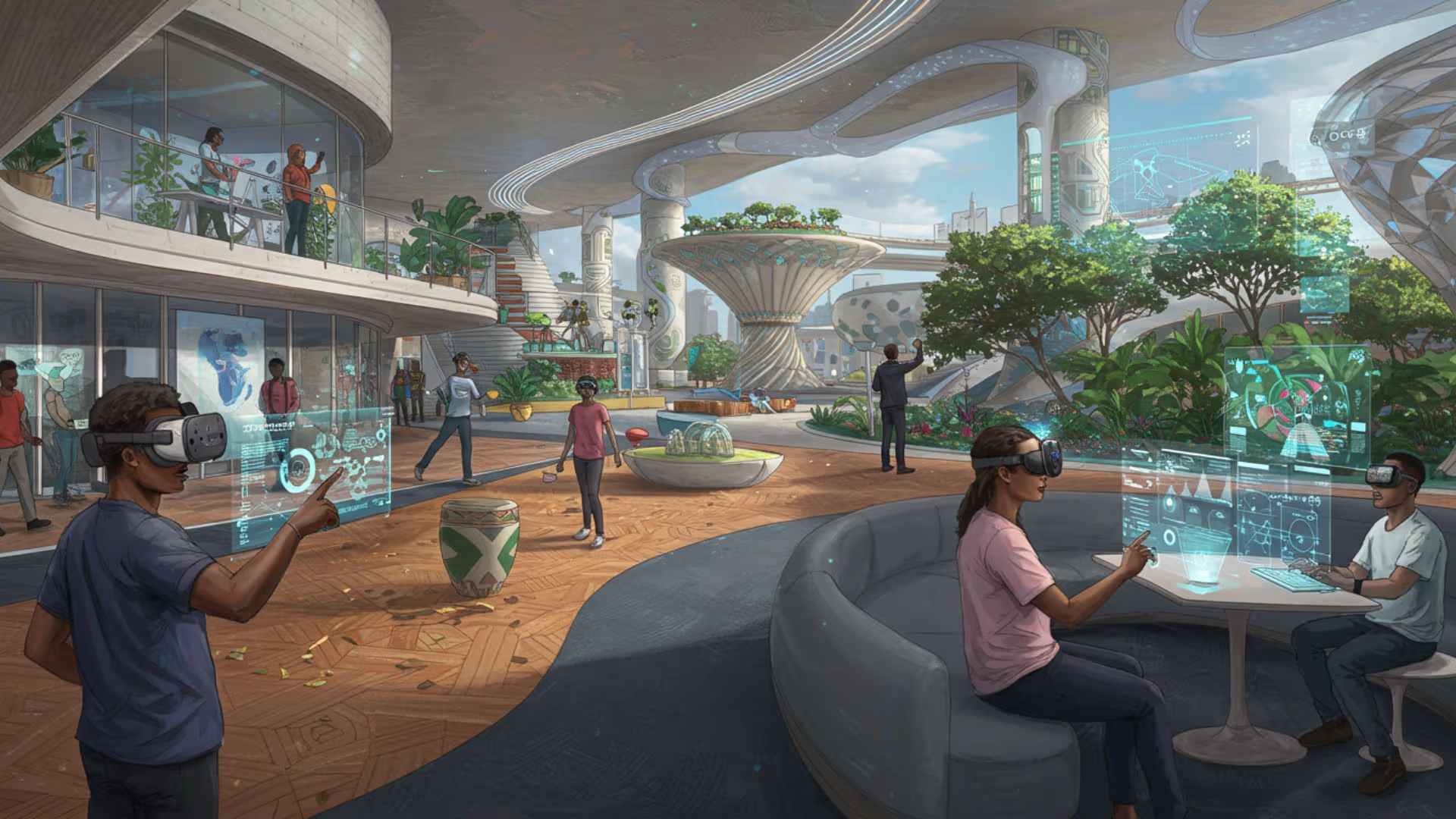
Phones remain a familiar access point, but developers are also working with headsets and emerging glasses. Different devices offer different displays, input methods, computing arrangements and environmental capabilities. A hands-free experience can be valuable in some workflows, but it introduces questions about comfort, fit, shared use and whether the device is appropriate for the task.
In August 2026, Android announced that core Jetpack XR SDK libraries had reached beta. The announcement describes development for XR headsets and wired XR glasses and reflects a continuing investment in cross-device tools. A beta release is a development milestone, not a promise that all devices share the same functionality or that every feature is ready for a particular production project.
For a business buyer, the relevant question is not which platform generates the most headlines. It is which supported devices can deliver the interaction to the intended audience within the budget and operating environment. Confirm local procurement, device management, support arrangements and the availability of the precise features needed. Test a prototype on the actual target hardware before committing to a rollout.
A device decision should also consider what happens after the first year. Operating-system updates, application distribution rules and hardware availability can affect maintenance. The project agreement should identify who monitors changes and how compatibility issues will be addressed.
3D content is becoming a core business asset
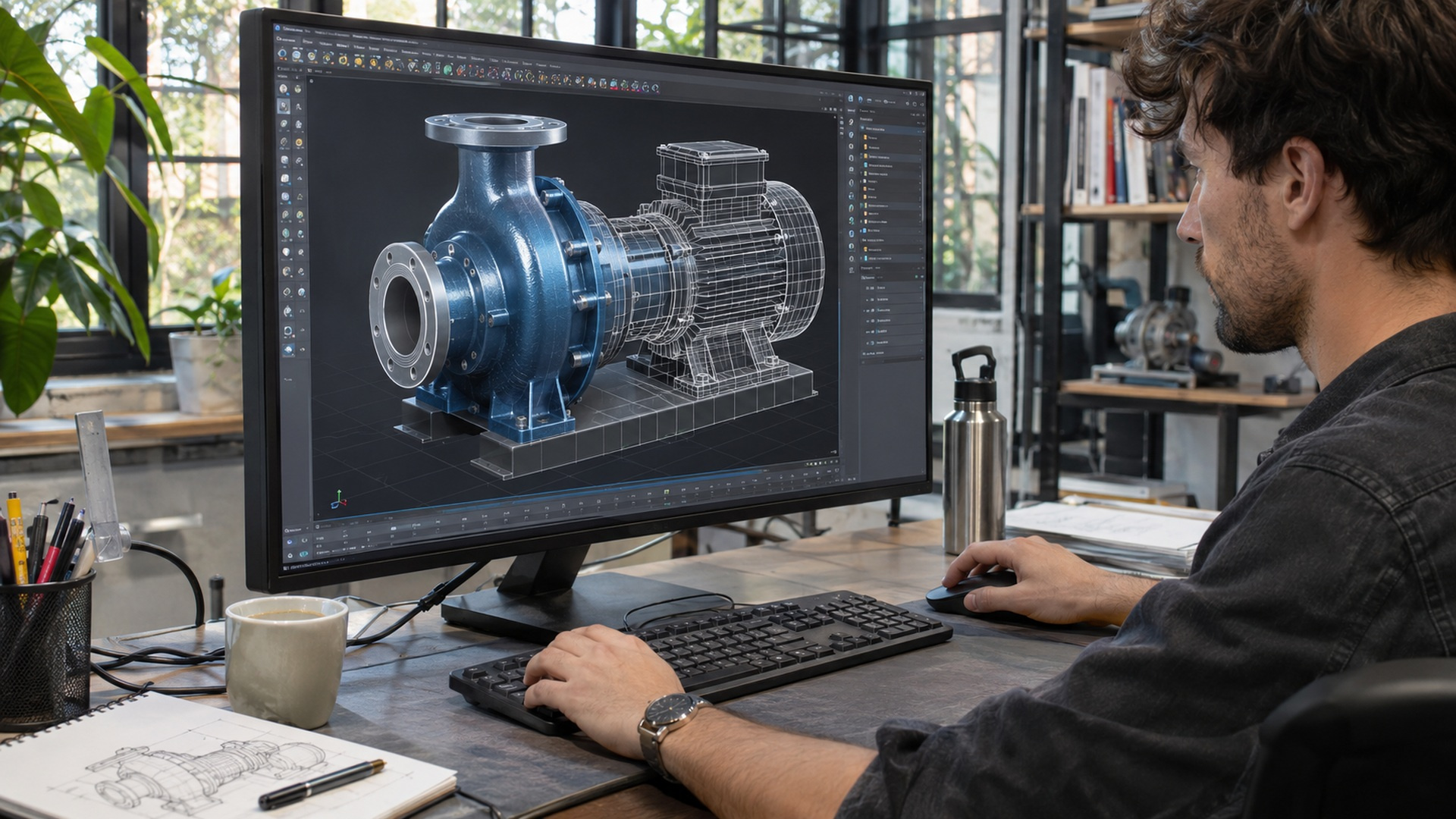
Improved tracking cannot compensate for a model that is inaccurate, too heavy to load or difficult to update. AR projects depend on a pipeline for creating, optimising, reviewing and distributing 3D content. A business may have engineering files, product photographs or existing marketing assets, but these are not always ready for real-time use.
For a product visualisation, decide which dimensions and visual details must be accurate. A realistic surface finish may be important to a customer, while internal mechanical detail may be unnecessary in a basic room preview. For an educational model, distinguish features needed to explain the concept from decorative detail. Review the final model with the person responsible for the source information.
The glTF specification describes a format intended for efficient transmission and loading of 3D assets. Using a common format can help a content pipeline, but it does not guarantee that every material, animation or interaction transfers unchanged between applications. Test the actual assets in the target environment and retain editable source files.
Content governance matters as much as the initial conversion. If a product changes, who approves the updated model? Can an old version remain visible after a catalogue update? Who owns the files and licences? A modest content management plan can prevent a useful demonstration from becoming misleading over time.
Practical applications across sectors
In retail, AR can help customers explore appearance or placement before making an enquiry. A product preview should state what it represents and avoid suggesting precise fit or colour fidelity that has not been verified. Clear product information and a straightforward path to further assistance remain necessary.
In education, AR can make a three-dimensional relationship visible in the learner's physical environment. A student might rotate a model, isolate a component and compare it with a diagram. The educator still needs to connect that interaction to an objective and assess understanding. Device sharing, accessibility and classroom management should be planned from the start.
For business training, a digital guide can introduce equipment or demonstrate a sequence in context. The scenario must be reviewed by a qualified subject expert, and it should not replace required safety procedures or practical assessment. Consider whether the environment allows a user to pause and whether information remains visible without obscuring important physical hazards.
At an event, a short AR interaction can help visitors explore a product or story that cannot be shown physically. The design should suit the available space and staffing, with a non-AR route for people who prefer not to use a camera. Test how quickly visitors can begin and how facilitators will manage queues and questions.
Privacy, permissions and accessibility
AR commonly uses a camera to understand the environment. Depending on the application, it may also process location, account details or other information. The fact that a camera is used does not by itself tell a user what is recorded, transmitted or stored. Explain those distinctions and collect only the information needed for the service.
Review the role of third-party software and hosting providers, as well as the organisation's own systems. Seek advice on applicable South African privacy obligations, particularly where personal information or workplace monitoring is involved. Where an experience is used in a shared space, consider people who may appear in the camera view without being the intended user.
Accessibility needs to shape the interaction, not merely the supporting text. Offer legible controls, sufficient contrast and alternatives to small or time-sensitive gestures. Consider captions and an equivalent way to access essential information. Some people may be unable or unwilling to hold a device, use a camera or wear a headset for an extended period. A non-AR alternative is often an important part of the overall service.
What businesses should ask before investing
Begin with a specific user and a specific question. Is the goal to compare product options, explain a concept, support a task or attract visitors to an event? Describe the setting, the expected devices and the physical or digital information needed. Then identify the hardest assumption to test, such as stable placement on a reflective surface or acceptable loading times on a customer's connection.
Ask a development partner to explain the recommended platform, supported devices, content pipeline and maintenance arrangements. Request a prototype that demonstrates the actual interaction rather than a generic technology showcase. Include the cost of creating and approving 3D content, testing, support and updates in the budget.
Measure the pilot against the purpose. A retail experience might test whether customers can confidently identify a suitable configuration. A learning experience might test understanding of a defined relationship. An event might assess successful starts and useful follow-up conversations. Time spent in the application can be informative, but it is not sufficient evidence of success on its own.
The direction of AR development is making more interactions possible. The organisations most likely to use it well will connect those capabilities to a clear task, test their assumptions with real users and plan for the conditions in which the experience must operate. Explore augmented reality development or contact Realities to discuss an appropriate starting point.