VR Game Development Trends: What Businesses Should Know Before Building an Experience
A well-designed virtual reality game does more than place a player inside a digital world. It gives that player a reason to act, makes the action understandable and responds in a way that feels consistent. For a business commissioning an experience, those qualities can turn a product demonstration, event activation or learning scenario into an activity people want to explore.
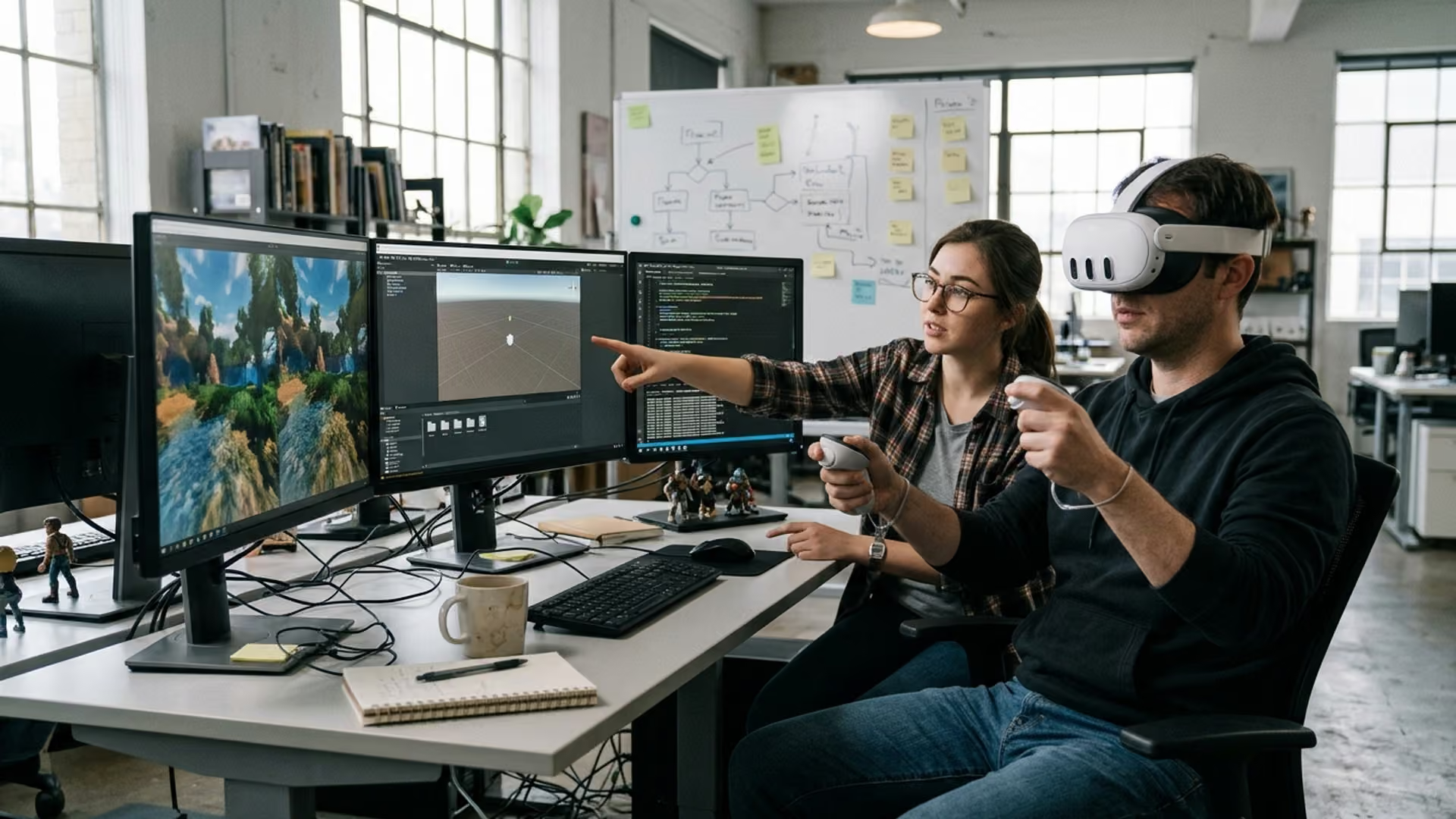
VR development continues to change as standalone devices, development tools and input methods evolve. The useful question is not which feature sounds most futuristic. It is which development choices help the intended audience participate comfortably and achieve the project's purpose. Understanding the trends also helps a commissioning team budget for testing, deployment and maintenance rather than focus only on the initial visual concept.
Standalone devices shape the design
Standalone headsets place the computing hardware inside the device, reducing reliance on a separate computer for compatible applications. This can make setup more practical for a travelling event or a shared demonstration. It does not remove the need for charging, cleaning, device management, supervision and a safe physical play area.
The convenience of a self-contained device comes with a performance budget. Detailed environments, complex lighting, many animated characters and large textures compete for limited resources. A successful game balances visual ambition with stable performance on the selected headset. A simplified scene that responds smoothly can support the experience better than a visually dense scene that stutters or fails to load.
A PC-connected headset may still be appropriate for a controlled installation requiring particular visual or computational capabilities. The trade-off can include more equipment, cabling, setup time and a different support arrangement. Choose the deployment environment before approving a visual target, then test a representative scene on the actual hardware.
For a South African event, consider how equipment reaches the venue, how devices are secured and who responds to a technical issue during operating hours. Mobile data, venue connectivity and power arrangements may affect particular features. A project scope should describe the full operating scenario rather than assume that the game will be used under ideal studio conditions.
Interaction is becoming the centre of the brief
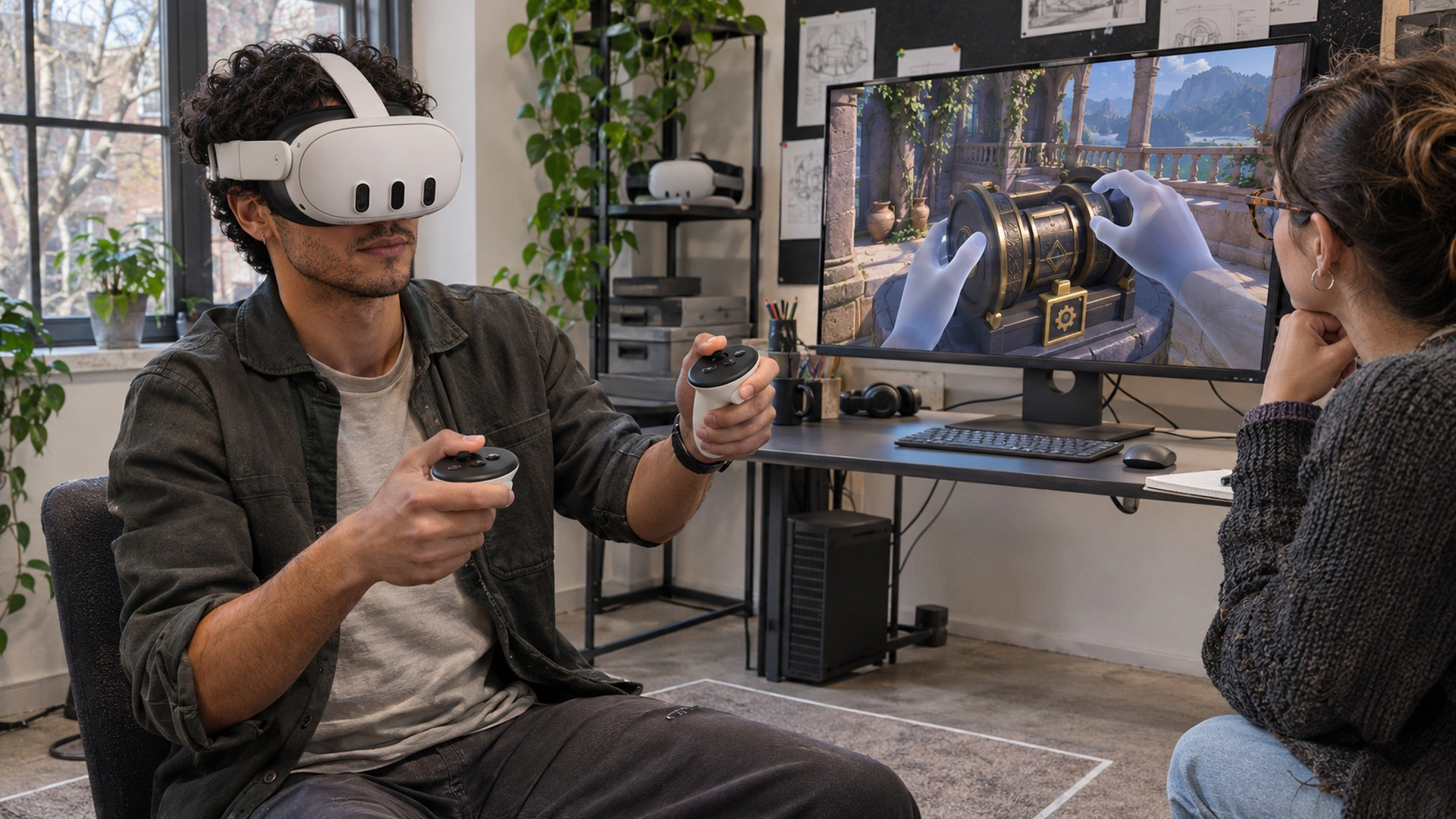
VR players expect to do more than look around. Reaching for an object, opening a mechanism or responding to another character gives the experience a sense of agency. The best interaction is closely tied to the purpose of the game. An event racing challenge needs understandable controls and a clear objective; a product exploration might focus on manipulation and discovery.
A project should define what happens before, during and after each important action. How does the player know an object can be selected? What feedback confirms a successful action? Can a mistake be corrected? If a participant cannot complete a gesture, is there another route? These details determine whether an experience feels approachable to a first-time user.
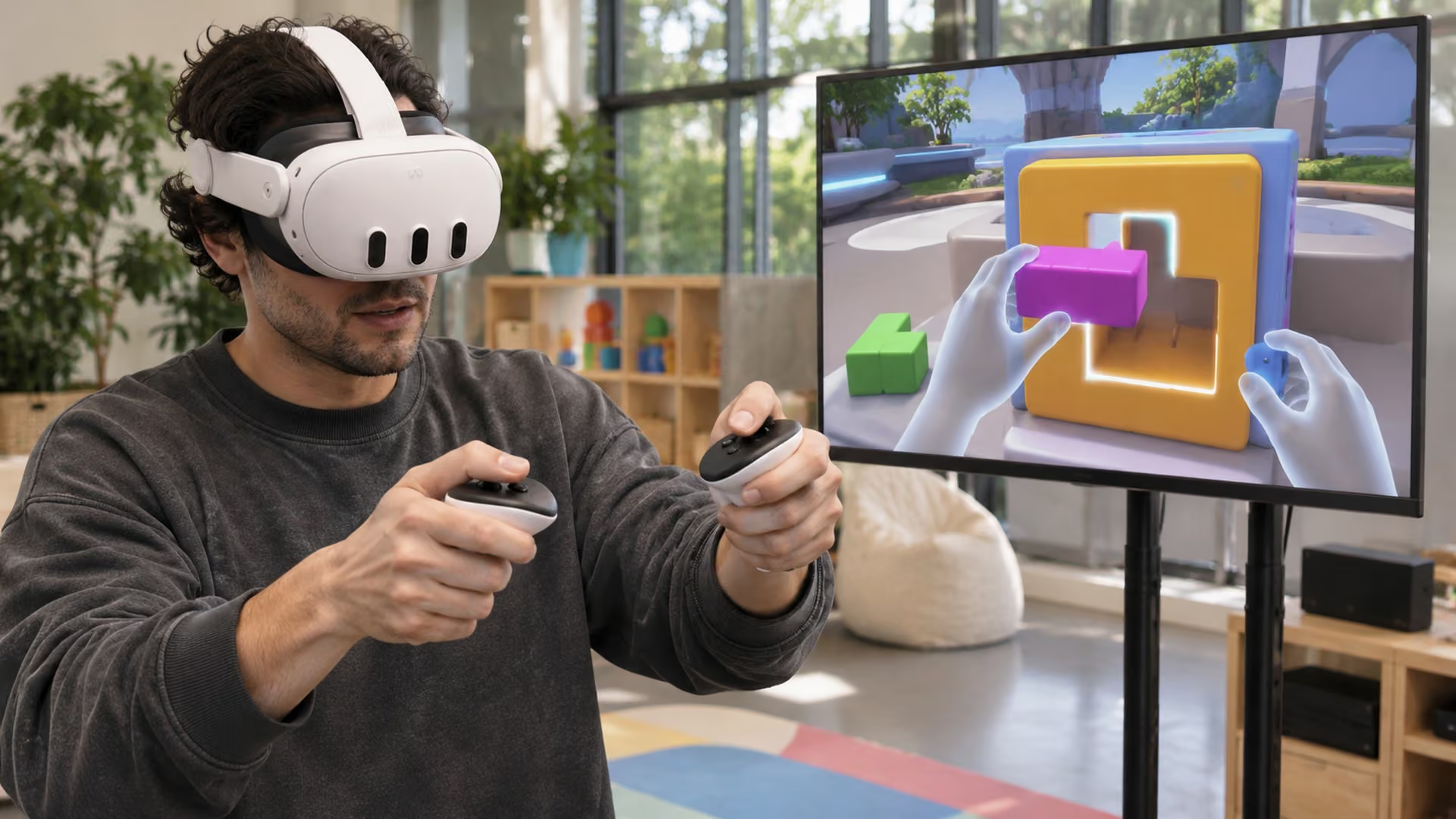
Hand tracking and controllers offer different possibilities. Hand input can make simple interactions feel direct, while controllers provide physical buttons and tactile feedback. Support varies by device and application, and a single control scheme may not suit every setting. For a short event, a brief tutorial and a clearly marked starting position may be more valuable than a long list of controls.
Interaction also needs to respect the surrounding physical space. Players may move, reach or turn while their view of the real environment is limited. The experience and event operation should work within the device's safety guidance, use a suitable supervised area and allow users to stop easily. Avoid designing a game that requires a movement the venue cannot safely accommodate.
Comfort is a production requirement
A player's comfort affects whether they can participate and whether they want to return. Experiences involving artificial movement, sudden acceleration or camera motion can be uncomfortable for some users. Sensitivity varies, so the team should test with a range of participants and provide alternatives where feasible.
Options might include seated or standing play, adjustable movement settings, teleportation instead of continuous movement, or a design that keeps the player in one place. These are design choices to evaluate, not guarantees that discomfort will never occur. Keep important text readable, avoid placing critical information too close to the player's face and give participants a clear way to pause or leave.
Frame rate and responsiveness matter too. A technically demanding scene may perform well in a short developer test but degrade after more objects or effects are added. Performance should be measured throughout production on the target device. Agree an acceptable performance target with the development team and test representative gameplay, not just an empty scene.
For public events, a facilitator can explain what to expect, adjust the device and help users exit. Provide a non-VR viewing or participation option when appropriate. Good operation cannot repair an uncomfortable design, but it supports people with different levels of confidence and experience.
Haptics, sound and meaningful feedback
Haptic feedback can give an action a tactile response. A controller vibration might confirm that a player has picked up an object, reached a boundary within the game or completed a task. More specialised equipment may provide additional feedback, but it also adds cost, maintenance and setup complexity.
The value of haptics lies in consistency and purpose. Constant vibration can distract; feedback tied to a meaningful event can clarify what happened. Test whether the action is still understandable without it, particularly for users who cannot perceive or prefer not to use that signal. Avoid implying that a consumer haptic effect accurately reproduces the force or risk of a real industrial task.
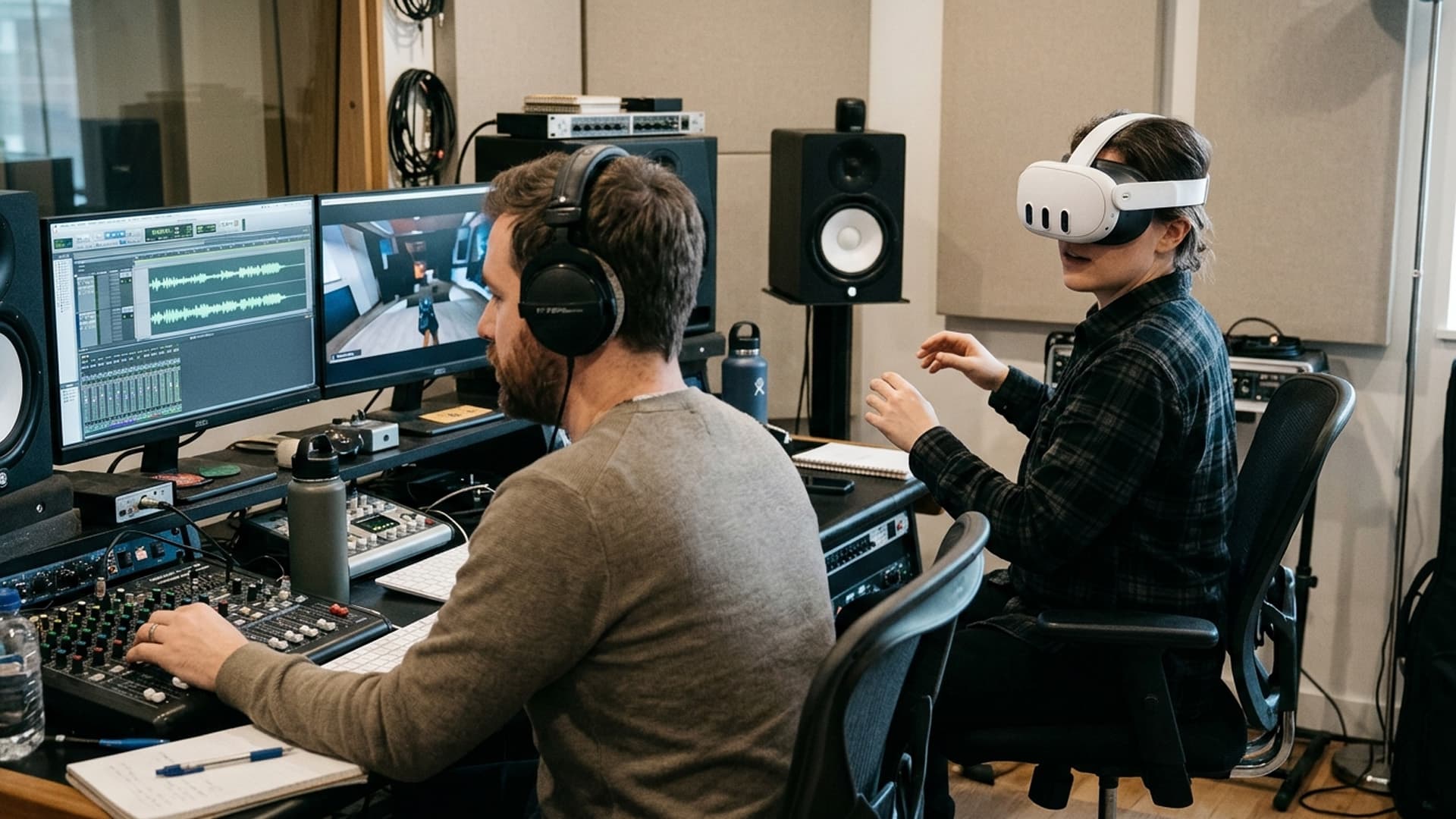
Spatial audio can help players locate a sound or understand an event outside their immediate view. In an event venue, however, background noise and shared equipment can affect the result. Consider headphones, hygiene, volume control and whether instructions remain available visually. Captions or other alternatives help ensure that essential information is not carried by sound alone.
Narrative feedback also matters. A character response, change in the environment or visible consequence can make a choice understandable. These responses should support the game's purpose rather than interrupt it. For a business experience, the story should give context without turning a short interaction into a lengthy presentation.
Shared standards and engine choices
Many VR teams use a real-time engine to build scenes, interactions and deployment workflows. Engine choice should reflect the team's skills, the desired visual style, licensing, device support and the specific features required. A familiar engine is not automatically the best choice for every project, and changing engines later can be expensive.
Khronos describes OpenXR as a standard intended to streamline XR development across compatible platforms. This is useful for long-term planning, but it does not mean a game will run unchanged on every headset. Different input methods, performance characteristics, platform services and optional features still need implementation and testing.
Ask a prospective developer which parts of the experience rely on device-specific features. If deployment to a second headset is important, agree what a compatibility test will cover and whether adaptations are included in the budget. Retain source files, asset licences and build instructions so the organisation can understand its options when a platform changes.
Platform distribution rules also influence a release. A public consumer game, a private business application and an installation managed on site may have different deployment and review requirements. Confirm the intended distribution route before production and check it again before launch, as policies and device support can change.
More accessible routes into multiplayer
A multiplayer VR game can turn an individual activity into a shared challenge. Players might collaborate on a task, compete for a score or participate in a guided experience with a host. The shared goal must be clear, and the game needs a way to communicate progress to each participant.
Networking introduces work that a single-player prototype does not reveal. Participants may join late, disconnect or have different connection quality. Objects must remain consistent enough for the activity, and voice or text communication requires moderation and privacy decisions. Test with the expected number of devices and the network conditions of the actual venue.
A business should decide whether all participants need a headset. A spectator screen can let an audience follow the action, while a desktop interface might support a facilitator or an alternative participant role. These modes need their own design and testing. Simply displaying a headset view may be confusing if the audience cannot see the objective or understand the player's choices.
If a leaderboard is used, define how scores are generated, reset and displayed. Obtain appropriate permission before publishing identifiable participant information. Consider a local, short-lived leaderboard when persistent accounts add more complexity than the event requires. Competitive features should encourage participation without excluding people who prefer a different pace.
Storytelling and agency over spectacle
VR storytelling can use presence and interaction to make the player an active part of a scene. Instead of watching a presentation about a product, a participant might discover how it works by selecting and assembling components. The narrative gives a reason to explore; the interaction provides evidence for the explanation.
A strong story does not require the player to perform every action. Too much freedom can make the goal unclear, while a rigid sequence can feel like a video with extra steps. Design a small number of meaningful choices and make their consequences visible. Use environmental cues and concise instructions rather than relying on long text panels.
For a short business activation, the story must fit the available time. Account for onboarding, the main activity, debriefing and headset cleaning between participants. A three-minute game can occupy a station longer than three minutes once the full handover is included. Test throughput with facilitators before setting visitor expectations.
Brand involvement should be purposeful. A virtual space can communicate a product's function or a company's story without covering every surface with logos. The experience should remain enjoyable and understandable to someone who has not heard the accompanying sales explanation.
Production pipelines and reuse
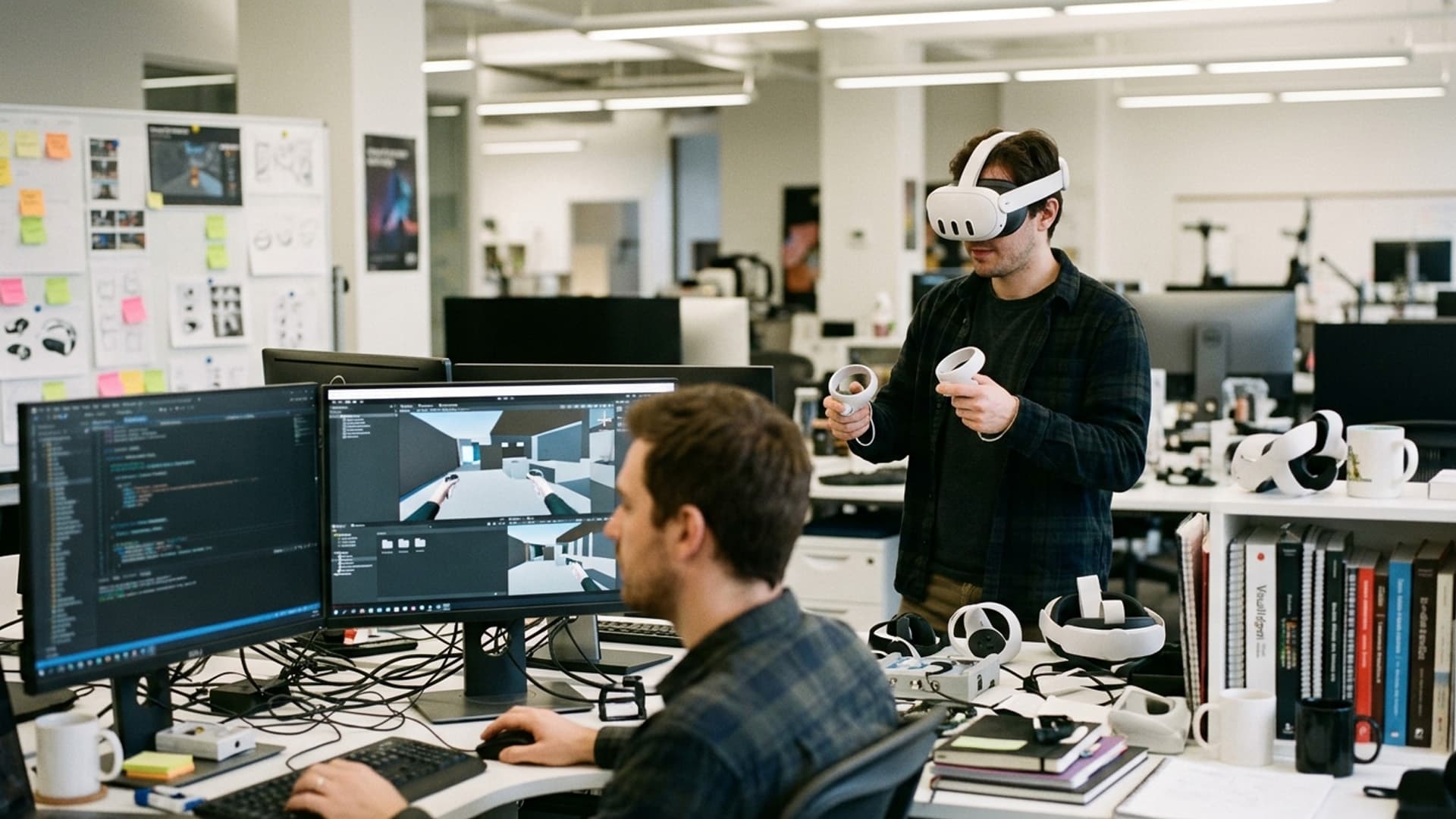
A VR game combines design, programming, 3D modelling, animation, sound, quality assurance and deployment. The proportion of effort varies. A visually simple game can require substantial interaction design; an elaborate environment may require extensive optimisation. Ask for a scope that separates prototype, production, testing and support.
Reusable components can reduce repeated work when they are documented and licensed appropriately. A shared interaction system or asset library might support multiple experiences, but reuse should not force unrelated projects into the same design. Confirm what the supplier already owns, what is created for the project and what the client may modify or reuse.
If existing CAD models or brand assets are supplied, check their suitability early. A model designed for engineering may need simplification before real-time use. A marketing asset may require additional views or animation. The agreement should identify who supplies the source files, who approves accuracy and what happens when source information changes.
The project also needs a maintenance plan. Headset updates, operating-system changes, third-party services and account policies can affect a build after delivery. Agree how issues are reported, which versions are supported and whether future device compatibility is included or quoted separately.
Evaluating business value
A game created for an event, learning programme or product demonstration should be judged against its actual objective. An event team might measure how many visitors start and complete the experience, how long each station is occupied and whether conversations continue afterwards. A product team might examine whether participants can explain a feature or ask more informed questions.
For training, agree an assessment with subject experts and compare it with the existing learning process where practical. A high score in a game is not automatically evidence of competence in a real task. Consider whether the simulation represents the relevant decision, whether feedback is accurate and how the organisation will assess transfer to the workplace.
Do not treat headset time or social sharing alone as proof of return on investment. Those signals may be useful, but they need context. Include setup cost, staffing, content updates, hardware and support when comparing the game with alternatives. A reusable application may have different economics from a one-day activation, and both can be sensible if the objectives justify them.
From concept to a testable scope
Start with the audience, the action and the intended result. Describe the venue or operating environment, session length, number of participants, available devices and any safety or accessibility constraints. Provide existing brand or product assets and identify who can approve technical content. Decide early whether the experience is a one-off event, a repeatable deployment or a public release.
A focused prototype should demonstrate the core interaction on the target hardware. Recruit representative users, observe how they begin and identify where they need help. Use the findings to refine the game before investing in every level, visual effect and optional feature. The most valuable development trend is the growing ability to make that learning part of production rather than a surprise at launch.
Explore VR game development or contact Realities to discuss a concept, its audience and the practical conditions for delivery.