Mixed Reality Development: 10 Misconceptions That Can Derail a Project
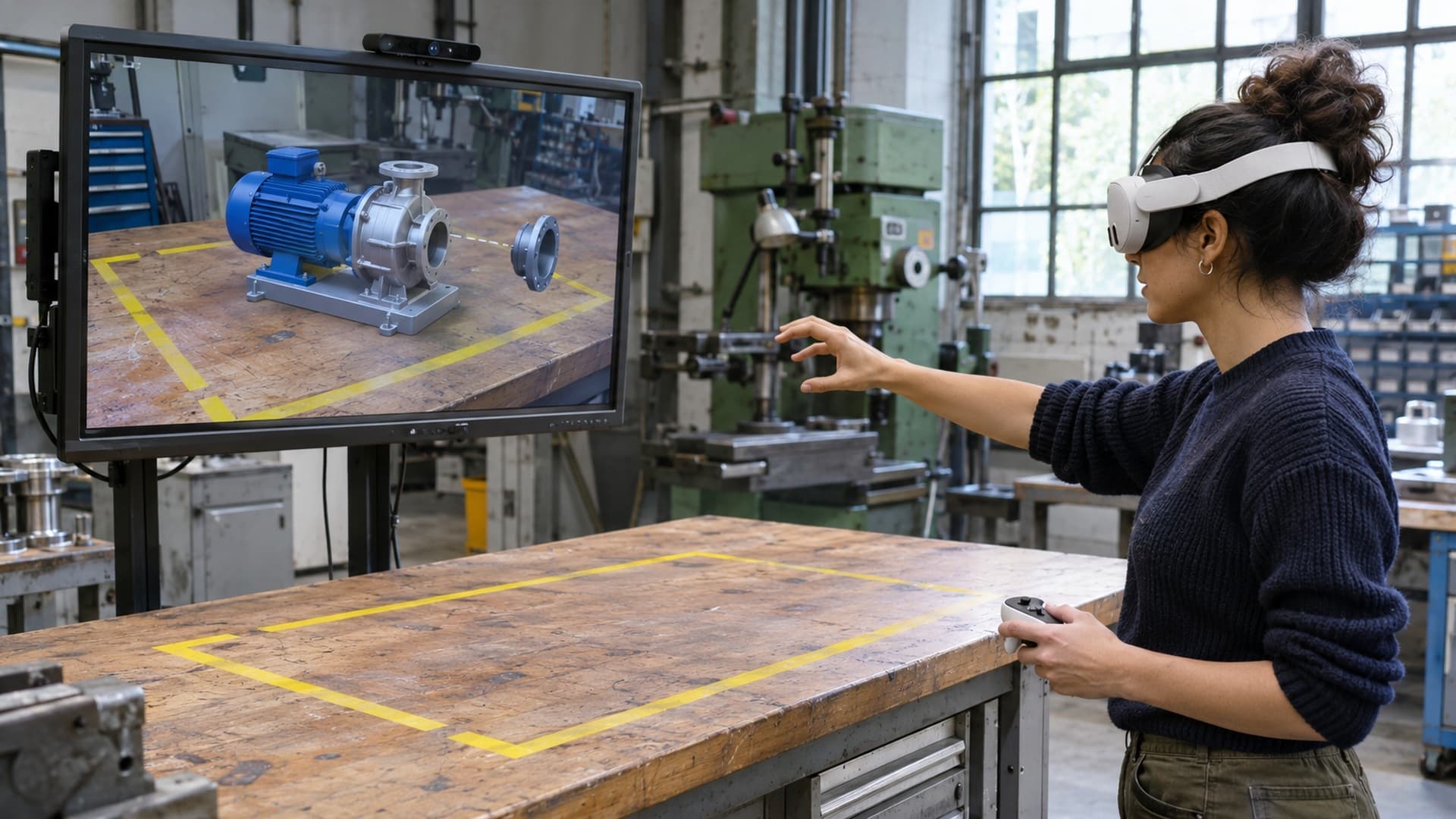
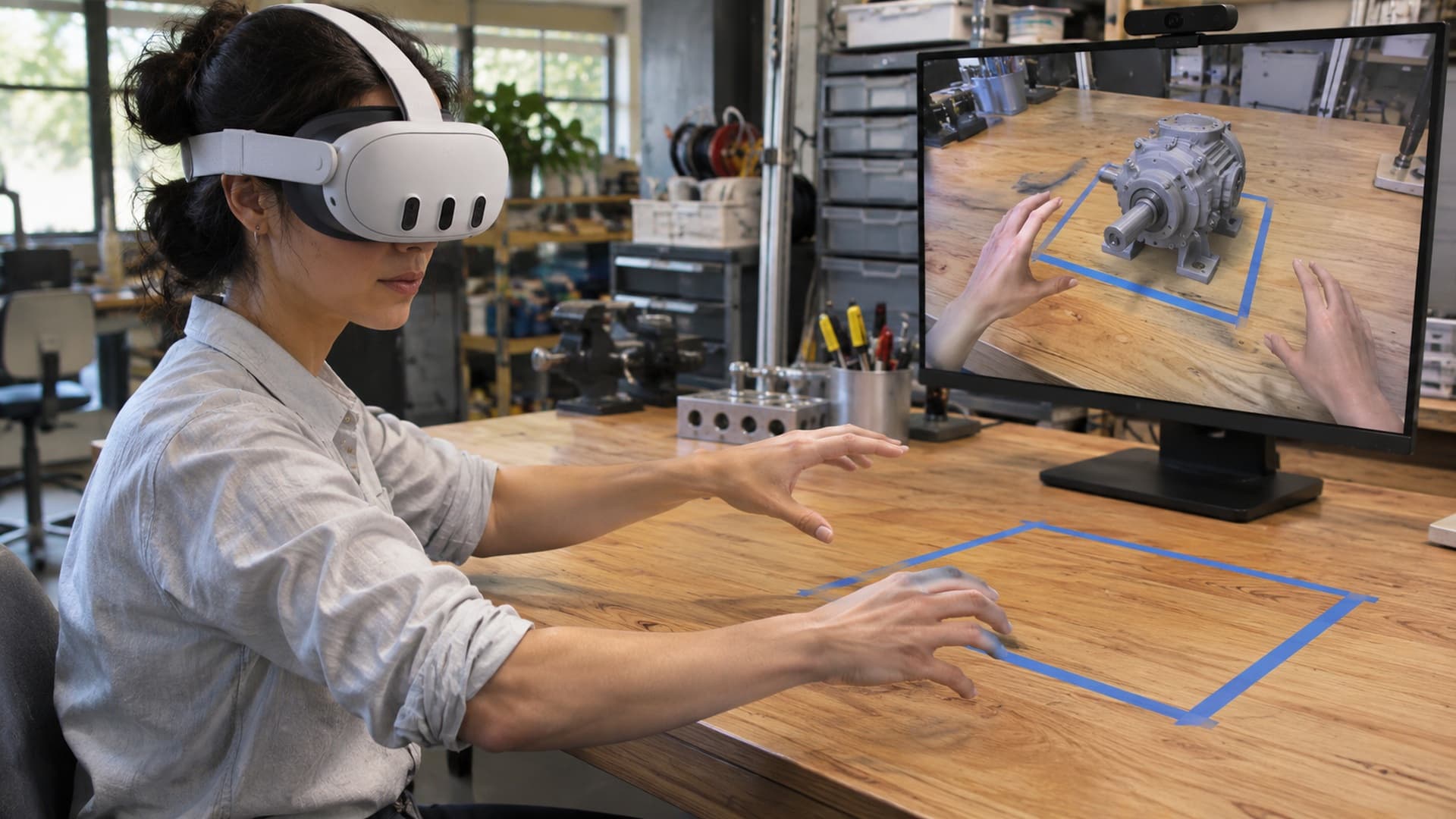
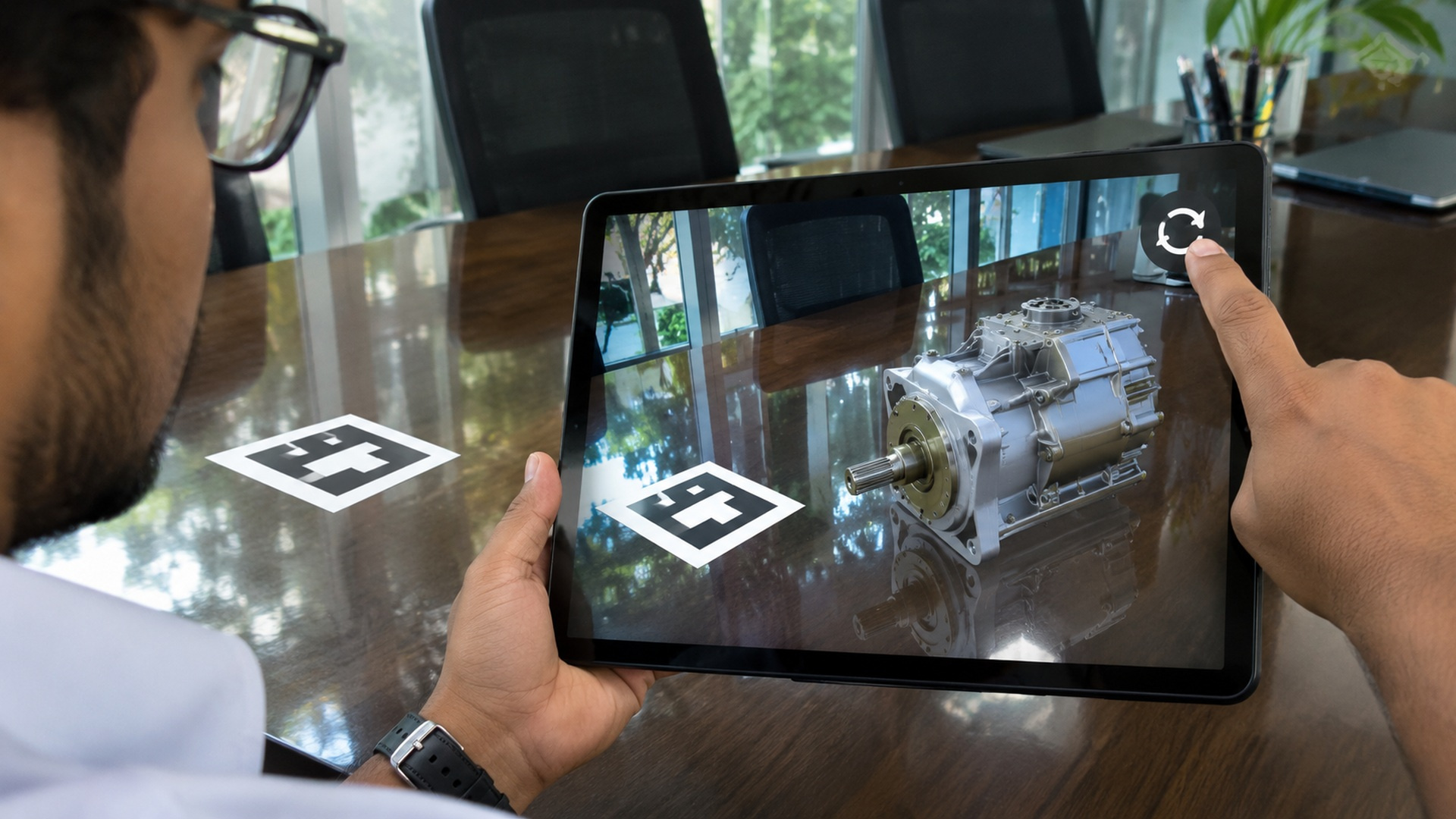
Mixed reality can help people interact with digital information in the context of a physical environment. A learner might inspect a virtual component on a workbench, while a customer explores a model positioned in a meeting room. These possibilities are compelling, but they can also lead to assumptions about what the technology can do, who it is for and how much work is involved.
For a business planning an MR application, the most useful conversation starts with the task and the conditions in which it will be used. The following misconceptions are worth addressing before a team commits to hardware, content production or a launch date.
1. Mixed reality is simply another name for virtual reality
The terms are related, and industry definitions are not always consistent. Virtual reality usually presents a simulated environment that replaces the user's view of their surroundings. Augmented reality adds digital material to a view of the real world. Mixed reality often describes experiences in which digital content is positioned in relation to the physical environment and can respond to it.
A virtual tour of a simulated factory and a digital guide positioned beside real equipment can both be immersive, but they have different design and operating requirements. One replaces the surroundings; the other depends on the physical site, its lighting, available space and the device's ability to track it.
In a project brief, describe the intended experience rather than relying solely on terminology. Does the user need to see a real object? Must digital content remain in a fixed place as they move? Are they interacting with a virtual model or following a guide beside physical equipment? Answers to those questions give a development team more useful direction than a label alone.
2. Every mixed reality project needs the most expensive headset
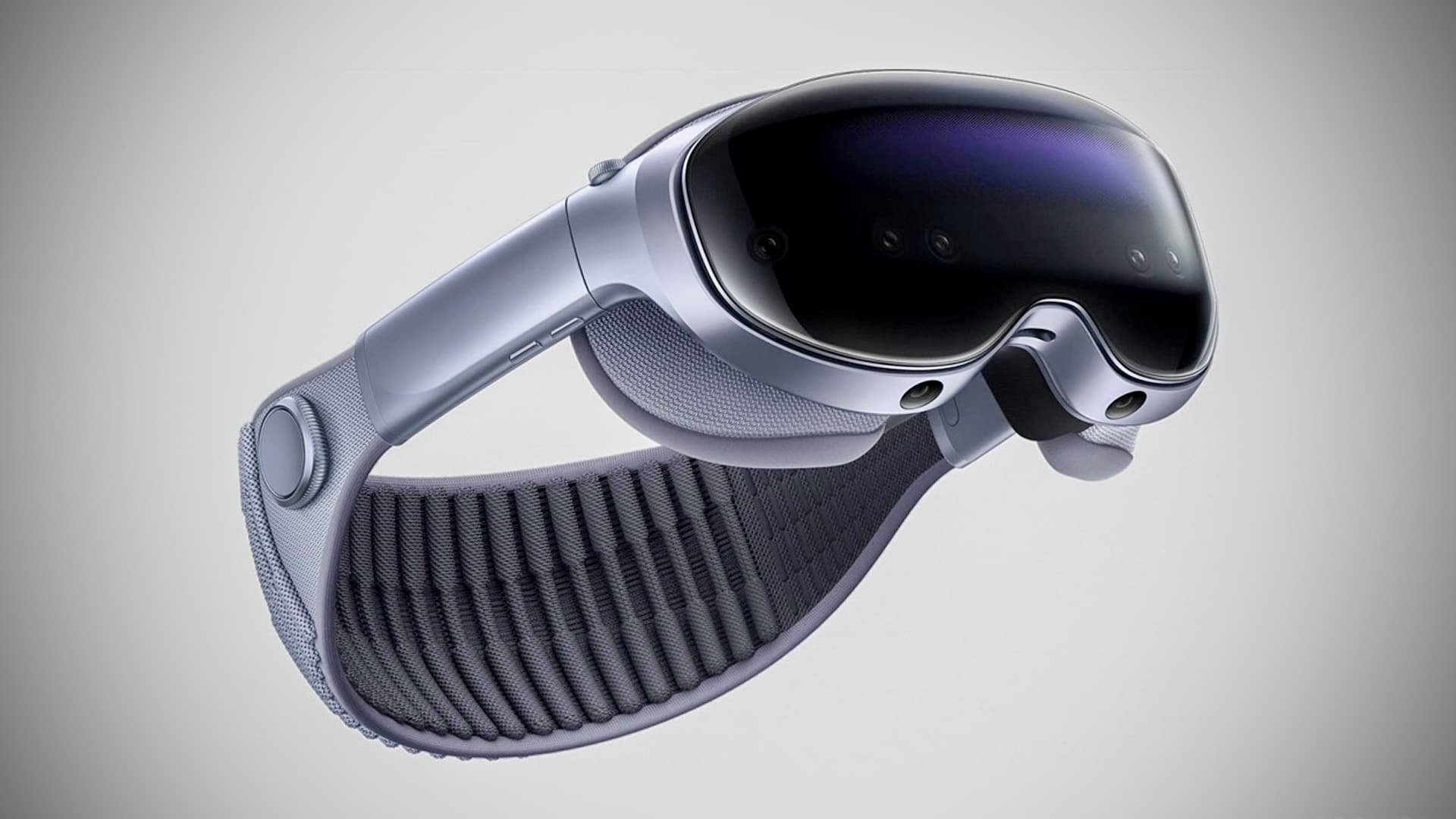
Hardware is important, but the most expensive device is not automatically the right one. A facilitated demonstration for a small team has different requirements from a public campaign intended for thousands of phone users. Some use cases benefit from hands-free interaction; others can work well on a phone, tablet or conventional 3D viewer.
Compare devices against the task, target audience and operating conditions. Consider comfort, visual quality, interaction methods, device availability, charging, cleaning and support. For a shared installation, setup time and the ease of helping first-time users may matter as much as a technical specification.
If the experience relies on a particular capability, verify that it is supported on the intended device and software version. Request a prototype that uses that feature in the actual setting. A hardware demonstration made in a controlled environment does not establish that the same interaction will work in a busy venue, classroom or workplace.
3. A convincing virtual object is automatically accurate
A model can look realistic while still being unsuitable for measurement, installation or technical approval. Its appearance depends on the quality of the source material and the way it is placed. Tracking, scale and the user's perspective can introduce discrepancies. The intended purpose determines the accuracy needed.
A sales demonstration may only require a recognisable representation of a product and a clear explanation of its components. A layout discussion may need more reliable dimensions. An engineering decision may require an approved measurement process outside the MR application. Agree which use is intended, who verifies the model and how uncertainty will be communicated.
Existing CAD files can be useful source material, but they may need simplification for real-time performance. Changes made for performance should be reviewed so that essential features are not lost. Keep approved source files and version information, and provide an update process when the product or site changes.
4. If the technology works once, it will work everywhere
An MR prototype can succeed in a development studio and struggle in a different setting. Tracking and interaction may be affected by lighting, reflective surfaces, repetitive patterns, moving people or limited room to move. Noise can affect voice interaction, and network availability can influence connected features.
Test where and how the application will actually be used. For a product showcase, try representative tables, rooms and lighting. For a workplace exercise, involve the people responsible for the site and its safety procedures. For an event, test with staff, visitors and the expected physical layout rather than relying only on a quiet rehearsal.
Plan for recovery. Users should be able to reset placement, pause or ask for assistance if the experience loses alignment. If a device cannot support an essential feature, provide an appropriate alternative. A reliable fallback can preserve the purpose of the interaction even when conditions are not ideal.
5. MR training automatically improves learning
Interactive training can provide opportunities to practise and receive feedback, but improved learning is an outcome to evaluate, not a built-in property of a headset. The objective, scenario, feedback, facilitator and assessment all matter. An engaging simulation may still teach the wrong sequence if its content has not been reviewed.
Begin with the knowledge or action learners need to demonstrate. Work with a qualified subject expert to define the scenario and check its accuracy. Then test whether learners can use the interaction, understand feedback and apply what they learned in the appropriate context. Compare results with an existing approach when a fair comparison is practical.
For high-risk activities, a simulation should support an established training and safety programme. It should not be represented as proof of competence unless the organisation has an appropriate assessment process. Provide time to learn the controls so a participant's unfamiliarity with the device is not mistaken for a lack of subject knowledge.
6. More interaction always makes an experience better
A long list of gestures, menus and animated objects can make an experience harder to understand. Each interaction asks the user to learn a control and interpret a response. If it does not support the main task, it may compete with the information the user needs.
A product demonstration may benefit from rotating a model, opening one important component and comparing two configurations. It may not need every part to be selectable. A classroom activity might focus on one spatial relationship rather than asking learners to navigate a complicated interface. The appropriate level of interaction depends on the question being answered.
Observe people who have not seen the application before. Can they begin without extensive coaching? Do they understand which objects can be selected? Can they reverse an action? Use those observations to remove friction, not simply to add more instructions. A clear, limited interaction can be more useful than a technically impressive but confusing one.
7. Hand tracking removes the need for accessibility design
Hands can provide an intuitive way to interact with a digital model, but hand input is not equally usable for everyone. A person may have limited mobility, fatigue, difficulty performing a precise gesture or a different range of movement. Lighting and the device's view of the hands can also affect tracking.
Consider alternative input methods and adjustable interaction distances where the platform allows them. Provide sufficiently large targets, clear feedback and enough time to act. Do not make an essential task depend solely on a small gesture or an audio cue. Captions, readable text and an alternative way to access the information may be needed.
Accessibility is not solved by selecting a device or adding a final checklist. It requires testing with people who reflect the intended audience, identifying barriers and making changes. For a public experience, a screen-based or facilitated alternative can allow participation when a headset is not suitable or welcome.
8. Remote assistance means the expert can see everything
Some mixed reality systems support communication between a person on site and a remote colleague. The remote person may see a camera view and provide guidance or annotations, depending on the platform. That view is limited by the camera's position, network performance and what the on-site participant chooses or is able to show.
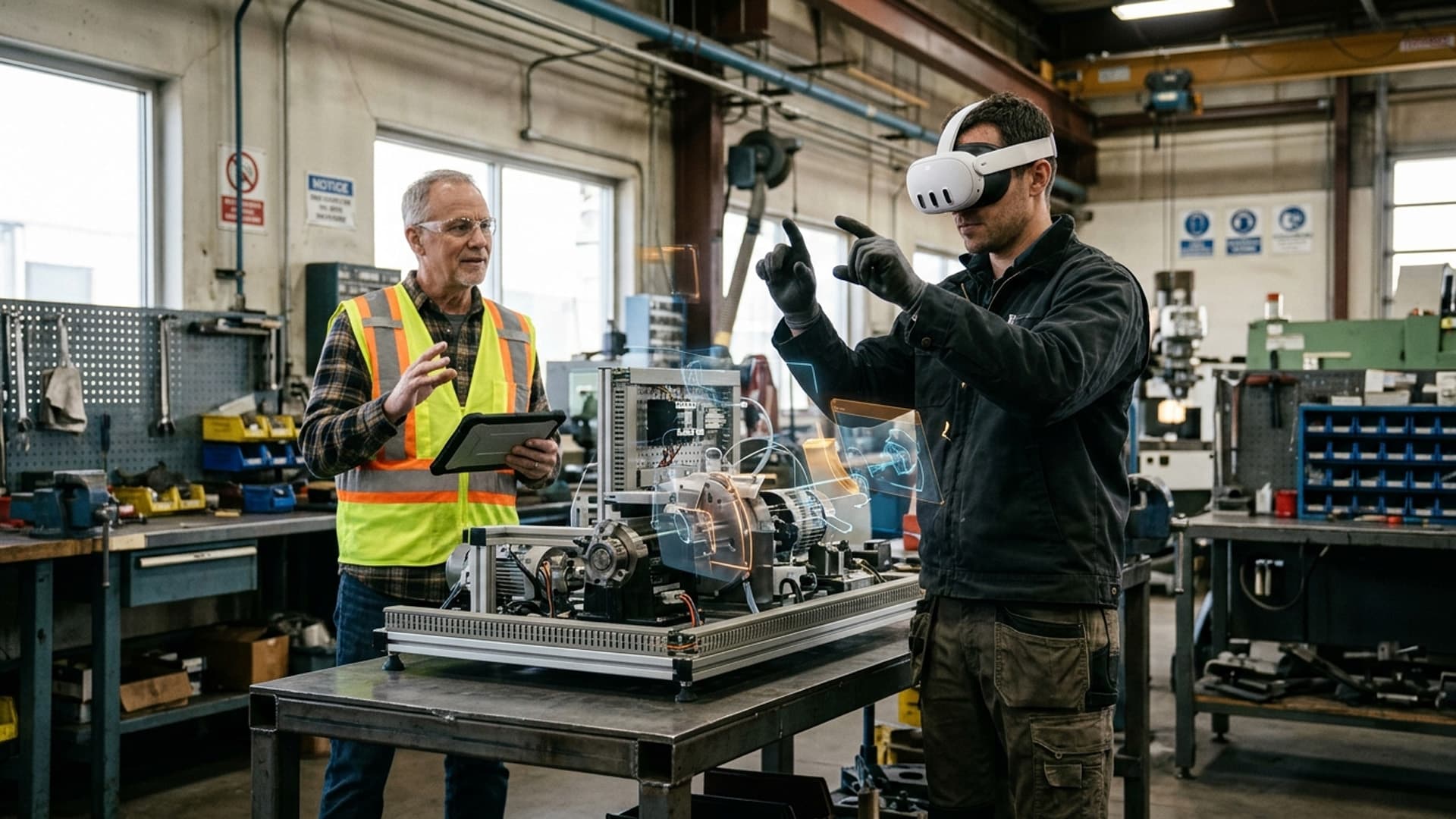
An expert may not see hazards outside the frame, hear a local warning or understand the entire physical situation. Agree when remote assistance is appropriate and when a task must stop for an on-site assessment. The application's instructions should never override established workplace safety procedures.
Connectivity and confidentiality also deserve attention. A dropped connection during a critical step needs a safe response. Camera views can contain personal, commercial or sensitive operational information. Define who may join a session, what can be recorded and how information is protected. Verify these arrangements with the platform provider and the organisation's responsible staff.
9. A prototype is the finished product
A prototype is designed to answer a question. It may demonstrate that a model can be placed, that a user understands a gesture or that a workflow is worth further investment. It does not necessarily include production-quality security, support, device management, error handling or content tools.
A useful prototype has an explicit test and decision. For example, can a first-time user select the correct component and explain what it does without assistance? Can the digital object remain understandable in the intended environment? Agree who will take part, what evidence will be collected and what would justify moving to production.
If the prototype succeeds, review what must change for deployment. A public event might need a quicker reset, an accessible alternative and a facilitator interface. A workplace application might need account controls, integration and a maintenance process. Budget for these production requirements instead of assuming that the prototype only needs a visual polish.
10. The project ends when the application launches
Devices, operating systems, content and business processes change. An application that works on launch day may need updates when a product model changes, a software dependency is retired or a new device is introduced. Someone needs to own those decisions and the corresponding budget.
A handover should identify source code, editable assets, licences, accounts, build instructions and supported device versions. Clarify who can update content, how defects are reported and what response is included in the support arrangement. If a third-party service is involved, understand its fees, access controls and the impact of a service change.
Data governance should continue after launch. Depending on the features used, an application may process camera views, accounts, voice or usage information. Determine what is necessary, where it is processed and how long it is retained. Seek advice on applicable South African requirements; the Information Commissioner's discussion of immersive virtual worlds provides general background but is not local legal advice.
How to assess an MR proposal
A good proposal should connect the proposed experience to a specific audience and outcome. It should explain the physical setting, the devices supported and what users will actually do. It should also identify dependencies, such as 3D source material, connectivity or access to a site. If the proposal uses terms such as spatial anchoring or hand tracking, ask for a plain-language explanation of what those features contribute.
Compare the proposal with a simpler alternative. A physical demonstration, video or standard 3D viewer may answer the same question at a lower operating cost. MR is most compelling when the relationship between digital information and the real environment matters to the task. That relationship should be evident in the prototype and in the way success will be measured.
Consider the entire cost of ownership: content preparation, devices, testing, training facilitators, deployment, maintenance and updates. Define an initial scope that can be evaluated before adding optional features. If a project depends on accuracy, safety or personal information, involve the responsible experts before making technical promises.
Finally, ask what happens when a user cannot or does not want to use the device. An inclusive project provides a meaningful way to access essential information and does not make participation depend on one interaction method. This is especially important in education, workplaces and public events.
Start with a question worth testing
The most productive MR projects begin with a concrete problem. A team might need to explain a component that is difficult to show, provide a repeatable learning activity or help customers understand a product in context. The next step is to identify the smallest prototype that can test whether spatial interaction improves that task.
Invite representative users to try it in a realistic setting. Observe where they hesitate, how long setup takes and whether they reach the intended outcome. Use the findings to decide whether to refine the design, choose another technology or proceed to production. This approach makes the investment easier to evaluate and gives the development team a clearer brief.
Explore mixed reality development or contact Realities to discuss the use case, audience and practical constraints for a potential application.